
product
Brand Stores: Create a brand page on Amazon for free
Guide
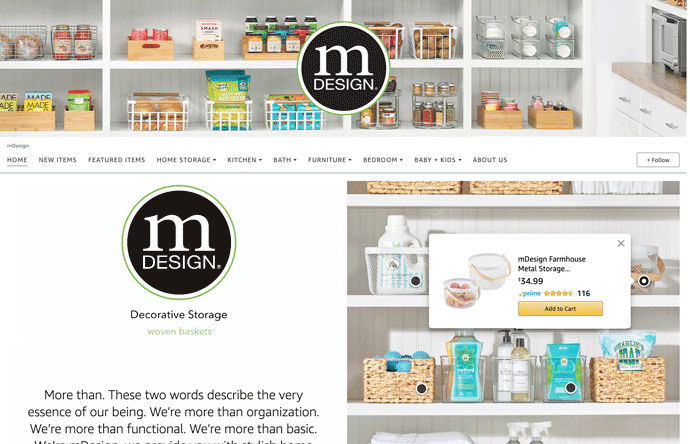
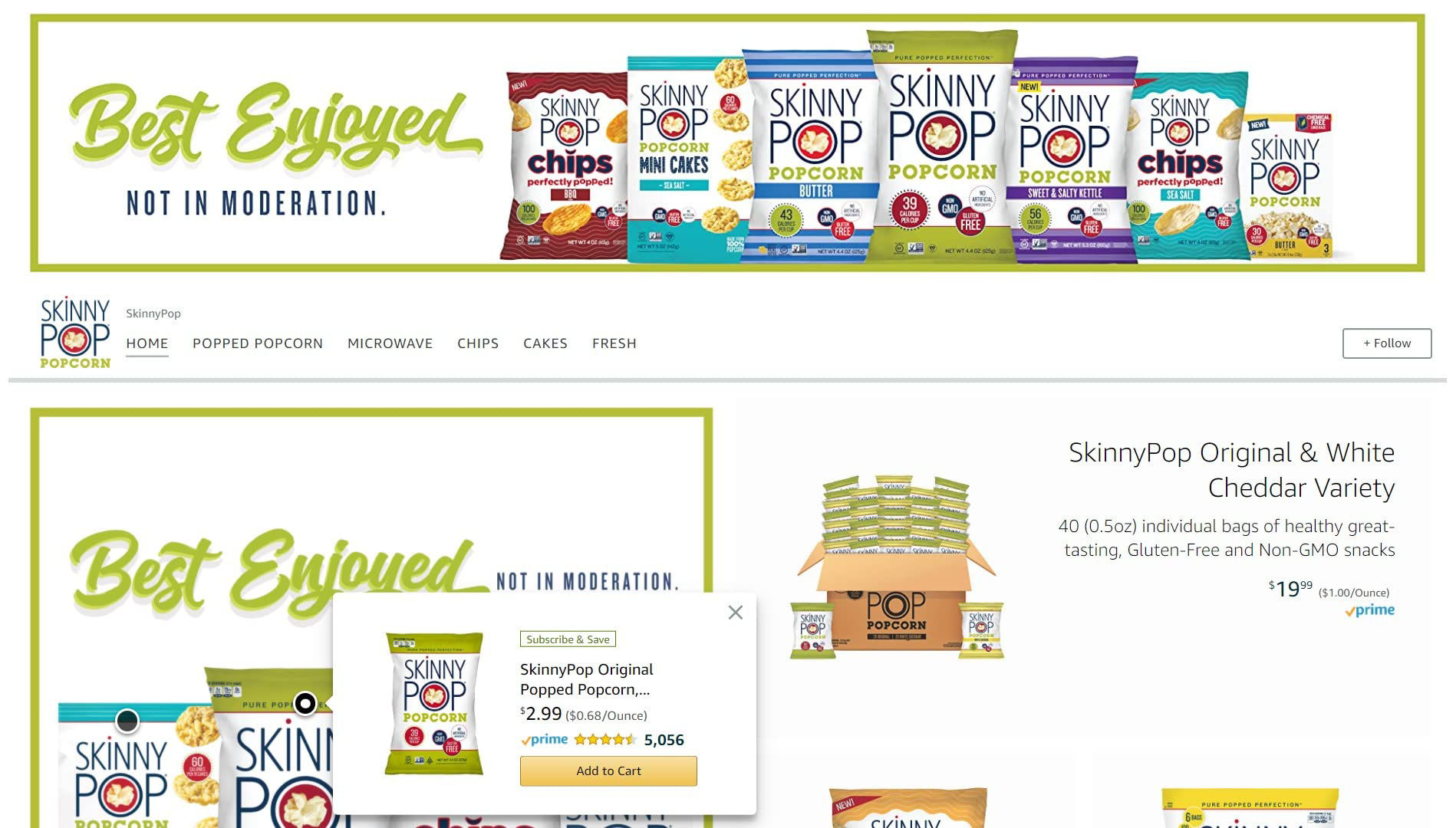
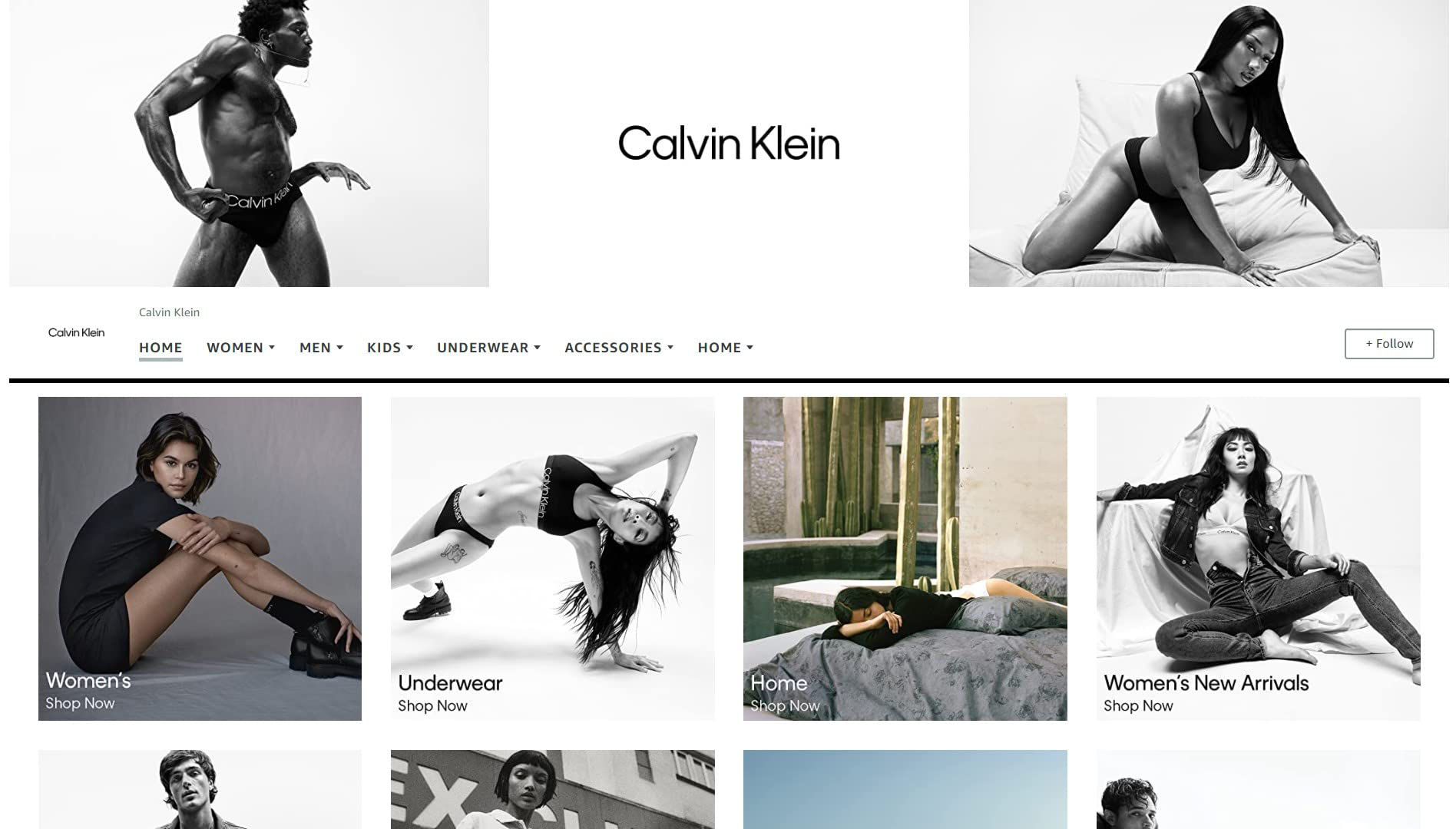
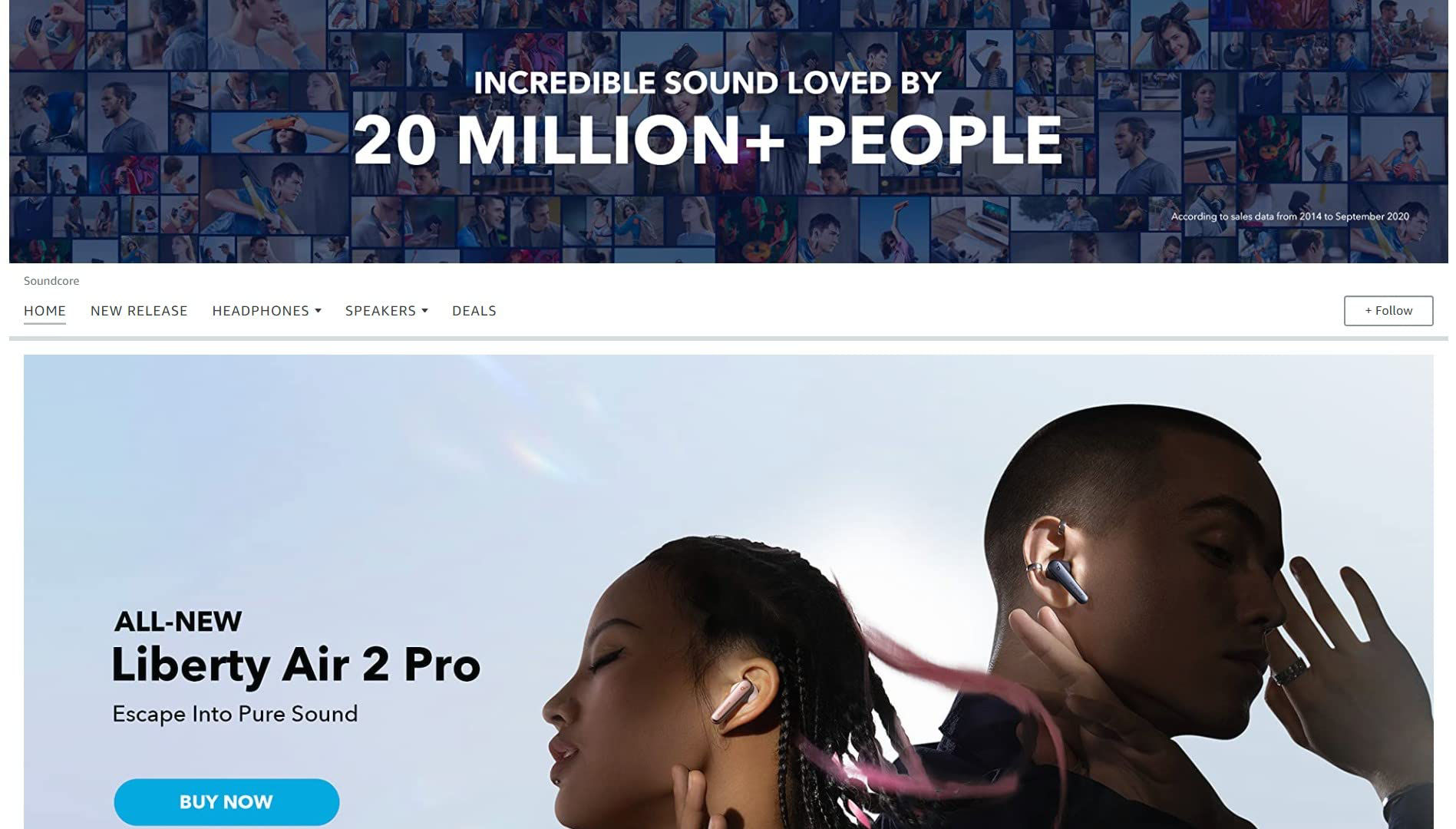
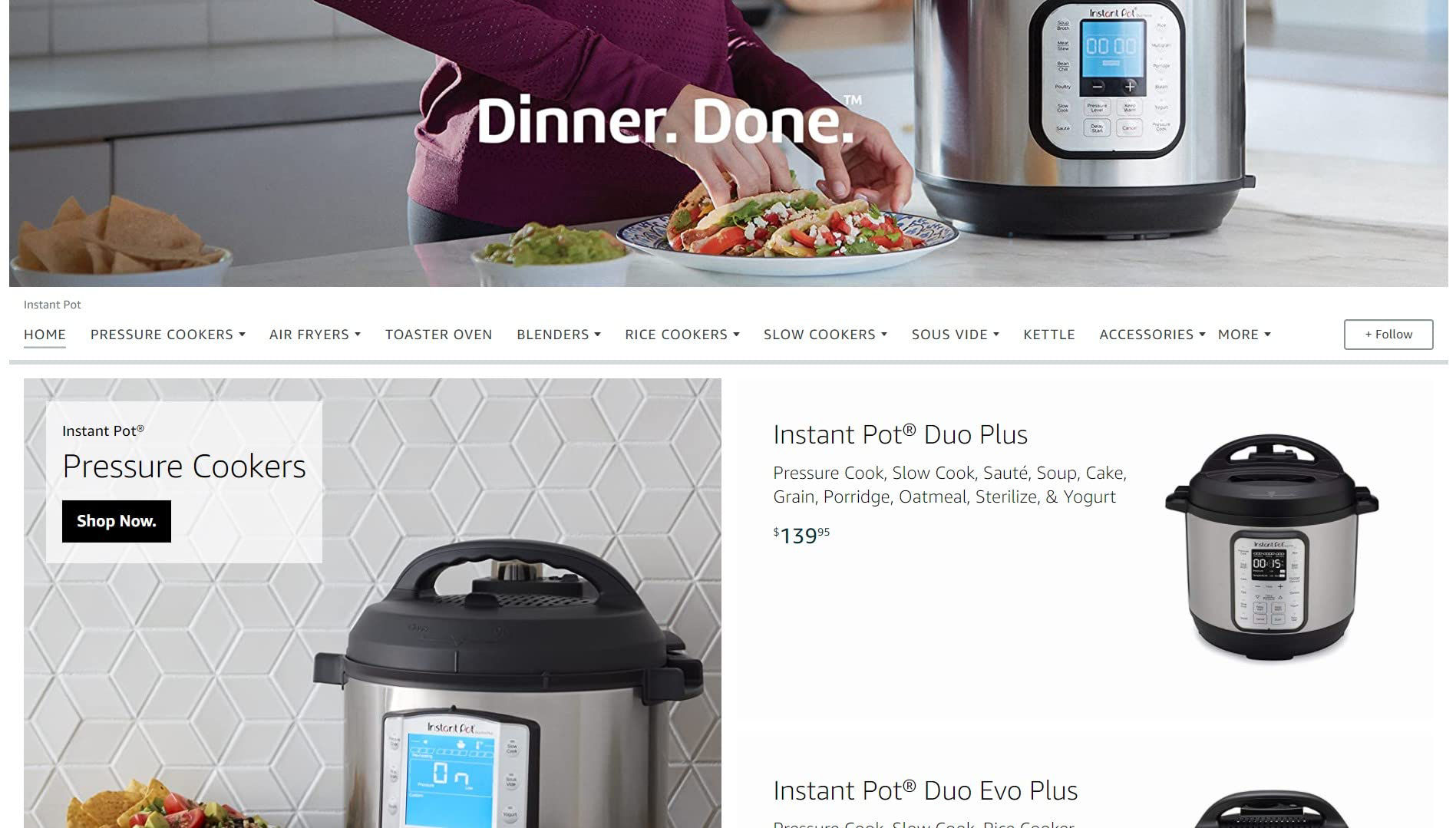
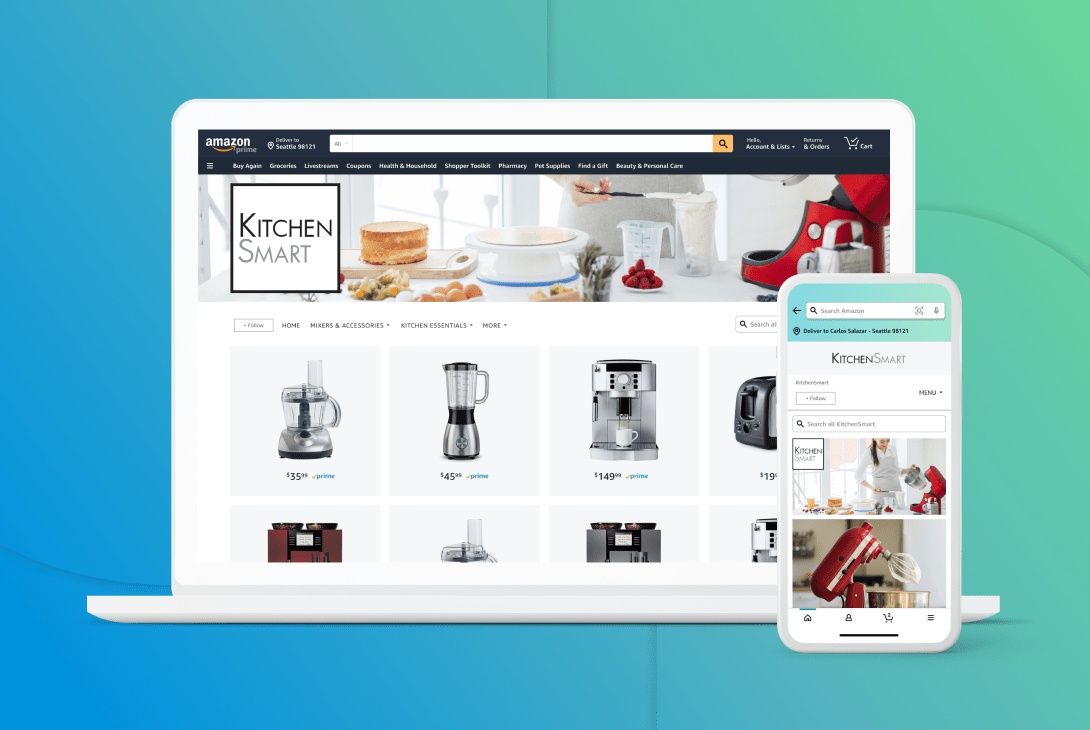
Brand Stores allow you to create an immersive multipage experience in a trusted shopping environment on Amazon. This guide shows you how to open your first store and provides optimisation tips.
Start using Amazon Ads to display your products and create campaigns.
If you have limited experience, contact us to request services managed by Amazon Ads. Budget minimums apply.
Showcase your full suite of products, drive product education and tell your unique story with engaging content.
Brand Stores allow you to create an immersive multipage experience in a trusted shopping environment on Amazon. Customers come to Amazon to discover products and brands and, of customers who browse a Brand Store during their shopping journey, purchase 53.9% more frequently, have a 52.1% higher add-to-basket rate, a 42.4% higher average selling price and a 71.3% higher average order value compared to those who do not visit a Brand Store.1
If you have already created a Brand Store, visit our comprehensive guide to successful Brand Stores for additional updates and insights.
In order to be eligible for Brand Store creation, brands are required to enrol in Amazon Brand Registry.
To enrol in Amazon Brand Registry, you need:
Our Brand Store is a pride factor for the brand. It’s probably the best opportunity for us to show what the brand is truly about. Customers can learn more about the product, and engage with the brand.
Josh Francis, Executive Vice President, Hippeas
Design your store navigation with purpose. Help customers find the products they’re looking for and build a deeper connection with your brand. Here are some tips to best structure your store:
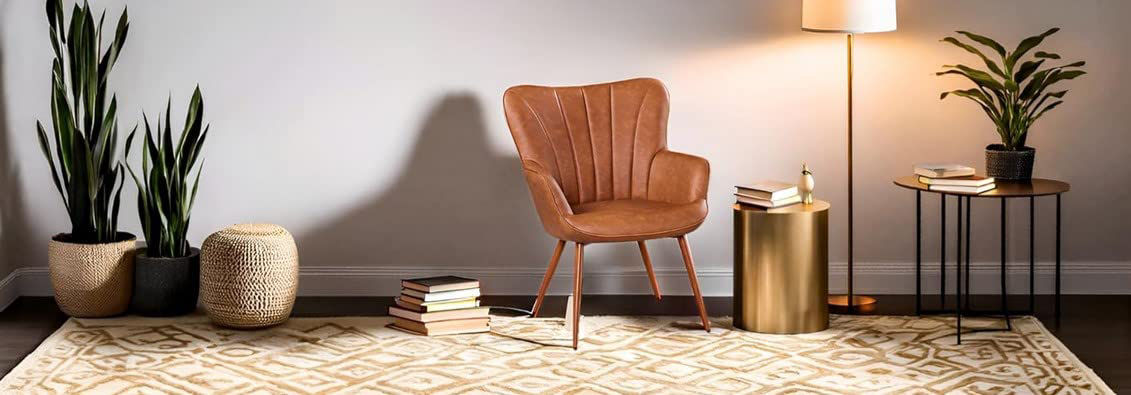
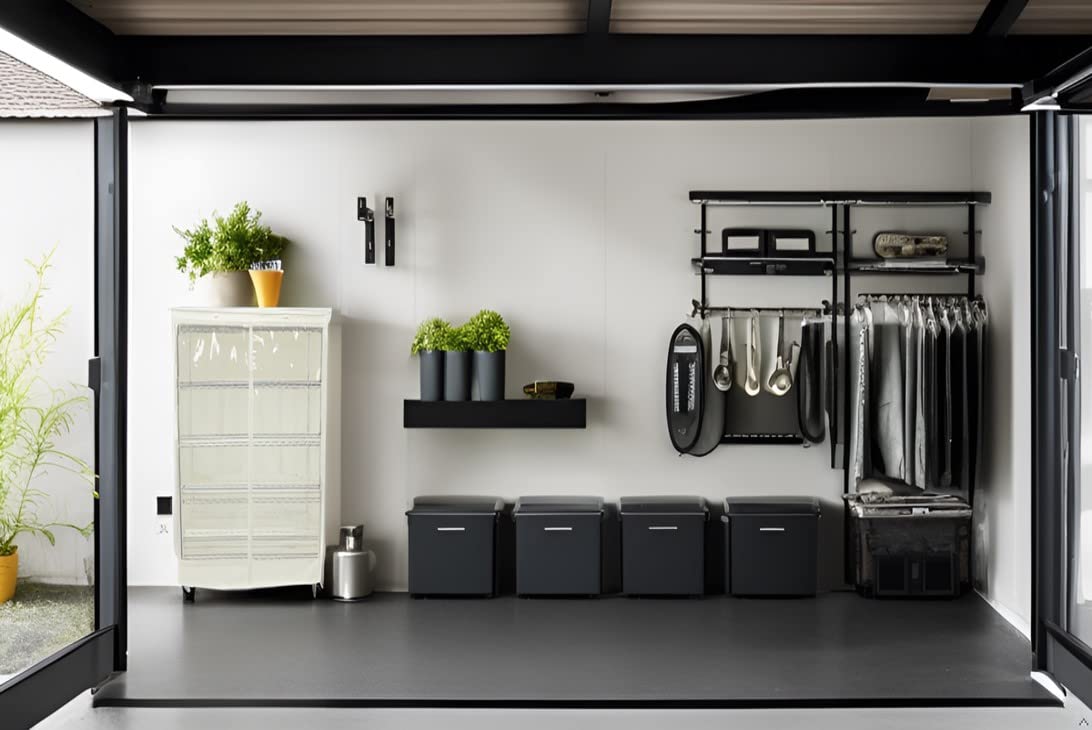
Example of image created using AI image generation
Create images with AI creative solutions in Ad console (log in > Creative Tools > Creative Studio)
When you’re ready to go live on Amazon with your newly built Brand Store, submit your store for publishing or set it to go live at a future date. Ad moderation can take up to 24 hours, so be sure to allow yourself enough time.
When you go to submit your store for publishing, you may face two types of rejections before going to ad moderation:
Soft rejections allow you to “Ignore warnings and submit for publishing”. One popular soft rejection is when you have an image that does not contain a link either to the product detail page or to a page in your store. These rejections are provided to help you catch potential errors you might have missed while building your store.
Hard rejections do not allow you to move forward. For example, a blank page without content will cause a hard rejection.
If you make a claim about your products, it must be clear which products this applies to and those products should be placed adjacent to the claim within the Brand Store. Substantiation must be discoverable on the product detail page or the product packaging. However, if the claim is trademarked or the claim can be found on the packaging, additional substantiation is not required.
Sources
1 Amazon internal data, WW, 2024.