Sponsored Screensaver is a full-screen ad placement integrated with the original landscape image screensaver experience on Fire TV. It is only available to media and entertainment advertisers with the exception of sponsorships.
隱私聲明
請勿在搜尋欄位中輸入任何敏感資訊或個人資料(例如姓名、地址、財務資訊)。
Sponsored Screensaver
Experience overview
After a period of inactivity, Fire TV shows a screensaver that is led by full screen promotional images. Each image shows for 30 seconds. Customers can view more details of the ad by pressing the Play or Pause button on their remote controls. They can also use the left or right buttons to browse other promotions and screensaver images. After all ads have been shown, landscape images are displayed for the remainder of the screensaver session.
Creative guidelines
Creative Components
A Screensaver ad requires two custom components: a logo image and a background image. A translucent overlay will apply to a background image automatically, dimming the left half of the image for more contrast between the creative’s background image and logo image.
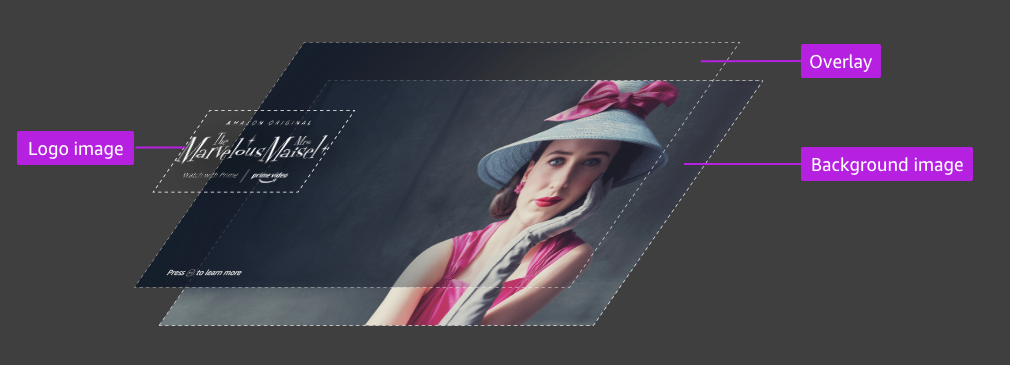
Asset specifications
| Creative component | Raw asset requirement* | Final file requirement |
|---|---|---|
| Background image | Dimension: 1920 x 1080px or bigger Format: PSD (High-quality and layered) | Dimension: 1920 x 1080px Max file weight: 450KB Format: JPG (baseline) |
| Logo image | Dimension: 640 x 360px or bigger Format: PSD (High-quality and layered), AI, EPS or SVG | Dimension: 640 x 360px Max file weight: 450KB Format: PNG |
* Raw assets are mandatory. See our full Asset Checklist.
Ad Content Restrictions
In order to make sure people of all ages have the best experience possible on their Fire TV, we work with our clients to run ads that are appropriate for all audiences. All Fire TV ad content must conform to Amazon’s Creative Acceptance guidelines and Fire TV Guidelines and Acceptance Policies. Amazon requires that advertisers review their content with these guidelines in mind before submitting.
Background images
Safe zone
The green area is the safe zone for the background image of a Screensaver ad. Keep essential elements (e.g. the head of a key character) inside the safe zone so they don’t get cropped by zooming effects or covered by the dark overlay.
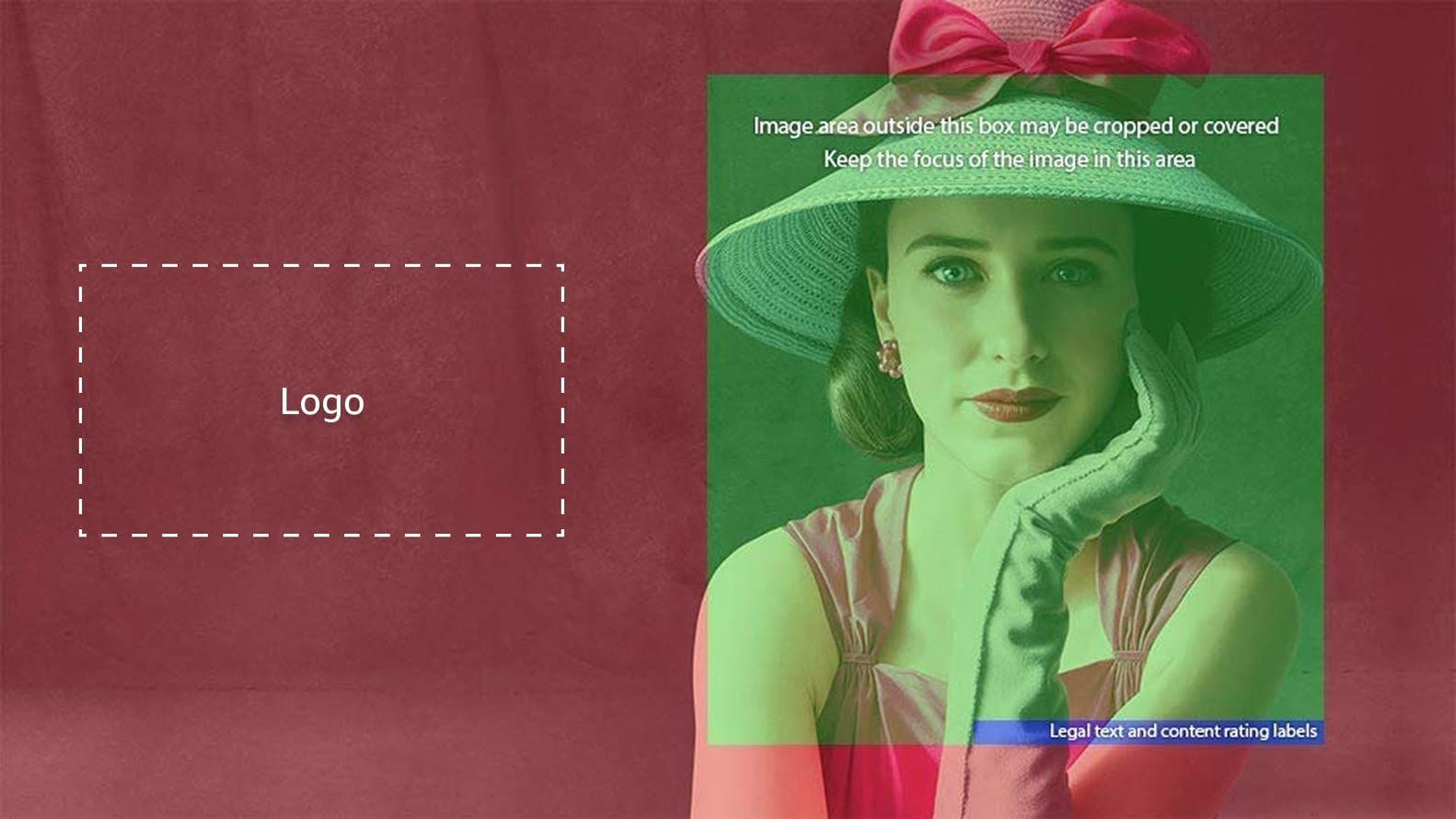

Without overlay

With overlay
Final file requirements
Dimensions: 1920 x 1080px
Format: JPEG
Maximum file size: 450KB
Examples


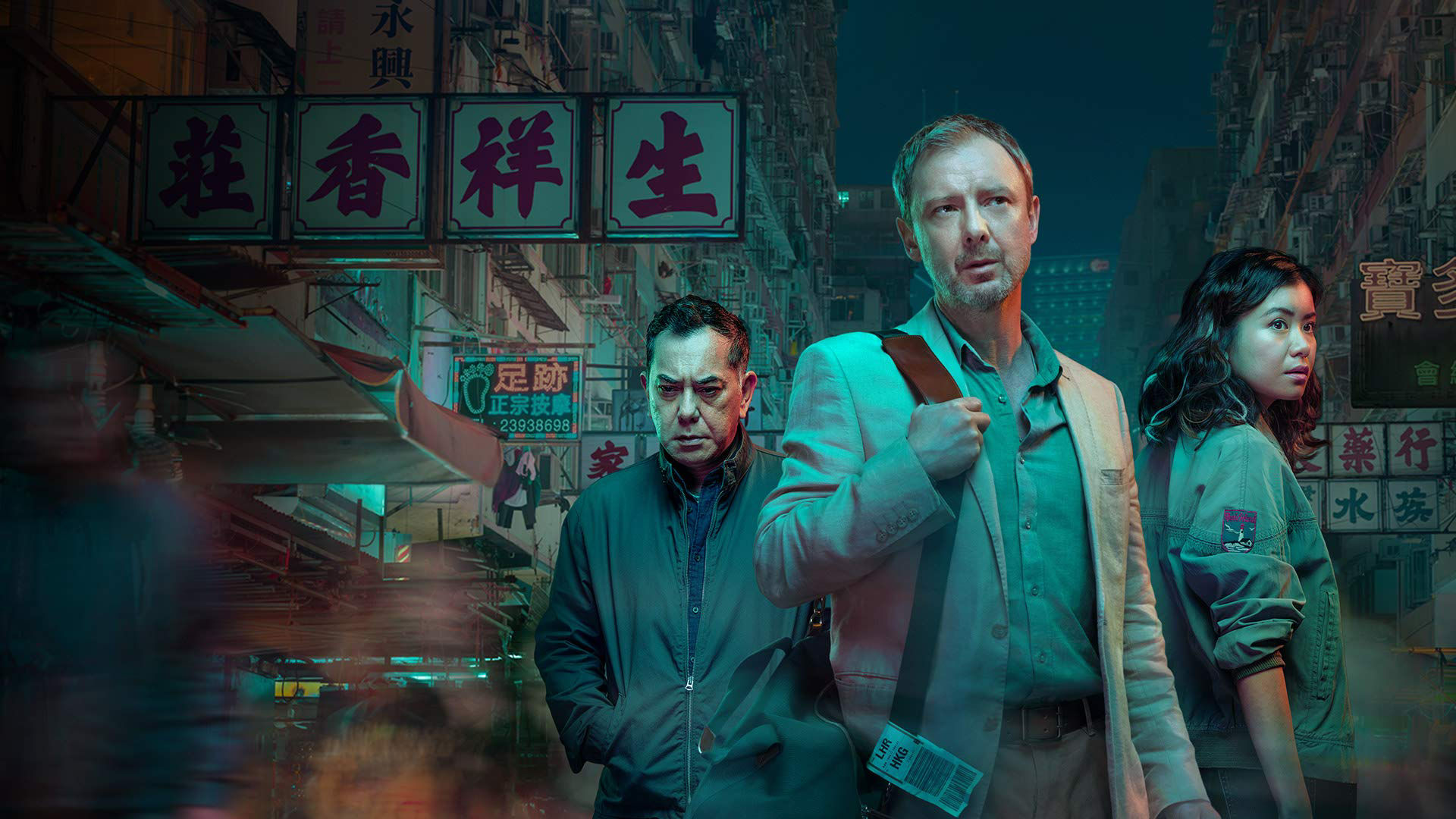
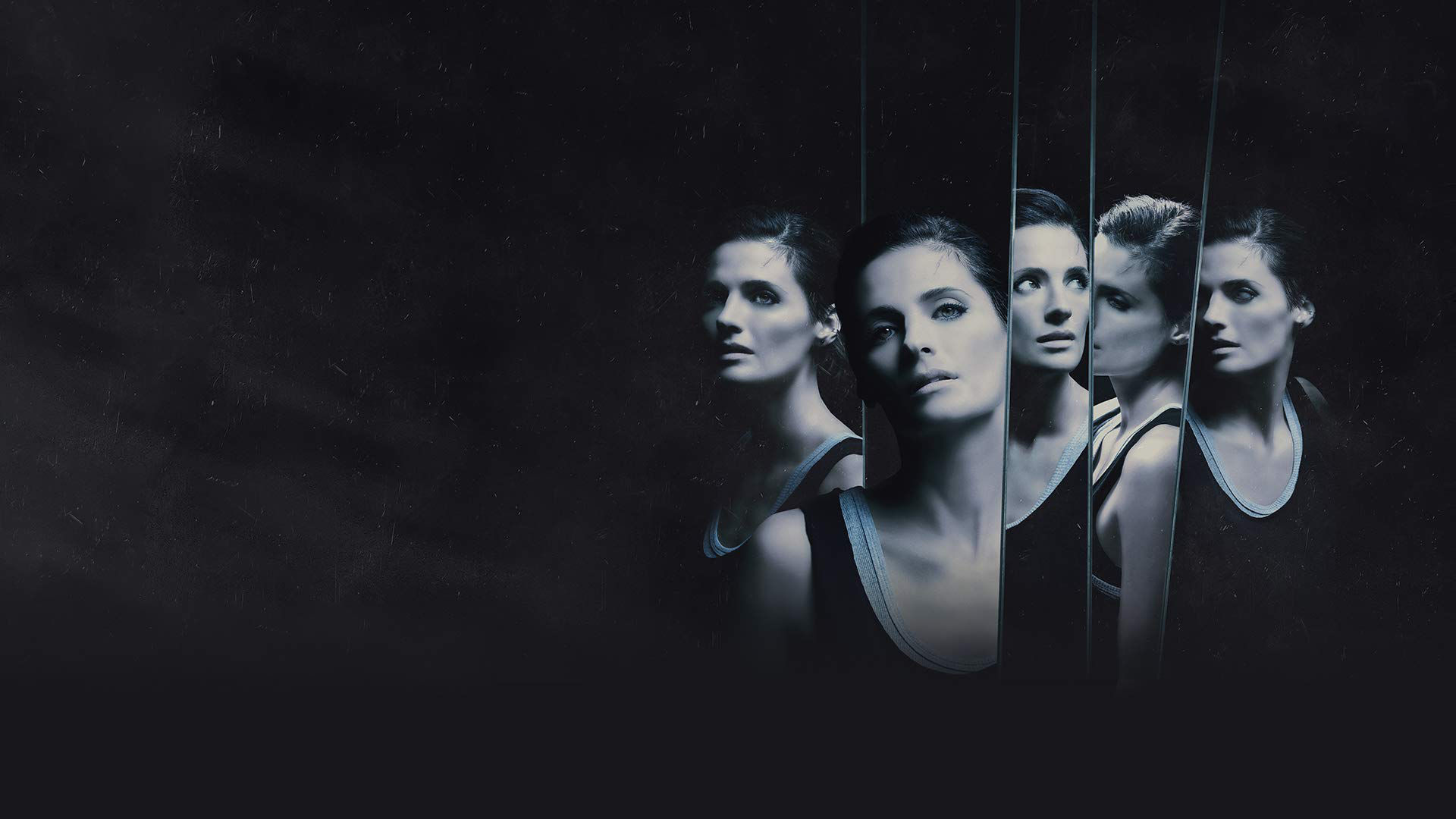
Guidelines
- Background image should look clear on a high-definition television (HDTV); don't include upscaled images; image retouching is photorealistic; avoid defects in gradients, shadows, and perspective.
✔ Do:

✘ Do not:

- Imagery should be engaging, enticing customers with key characters of the content. Use imagery that features the content that’s being promoted.
- Ensure that the focal point (e.g. key subjects or character heads) of a background image is inside the green safe zone.
- Ensure that there is sufficient open space to the left side of the background image, which is where the logo image overlays.
✔ Do:
✘ Do not:
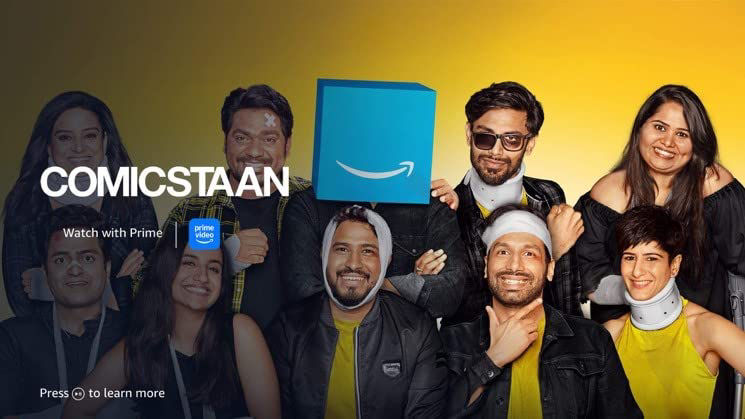
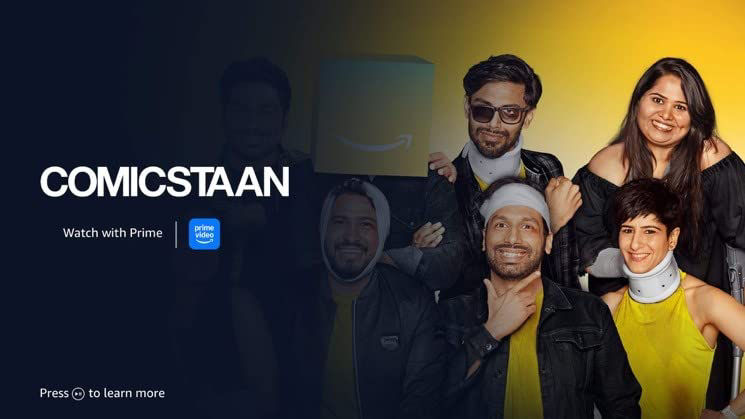
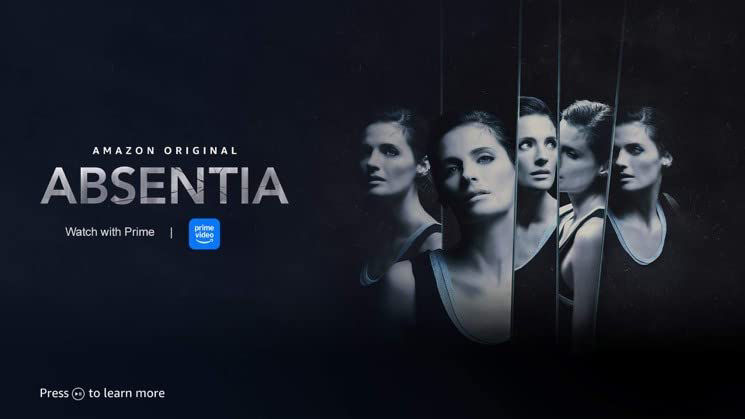
- Fill the safe zone with the key subject of the background image as much as possible. Make sure that the composition looks balanced; avoid cut-off key subjects and very large faces.
✔ Do:
The key subject fills the safe zone and looks balanced.
✘ Do not:
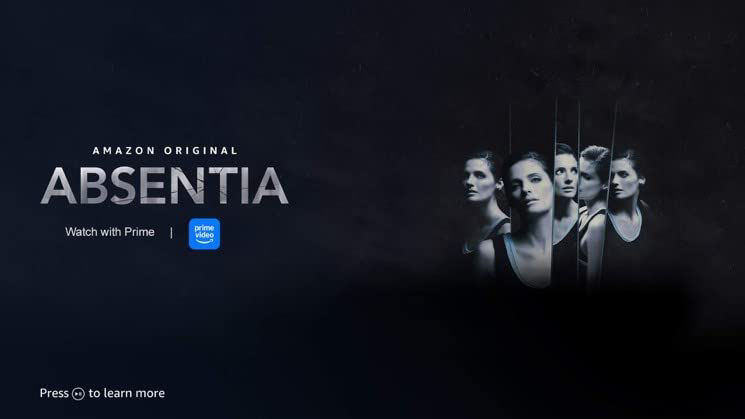
The key subject is too small and doesn’t make maximum use of the safe zone.
✔ Do:
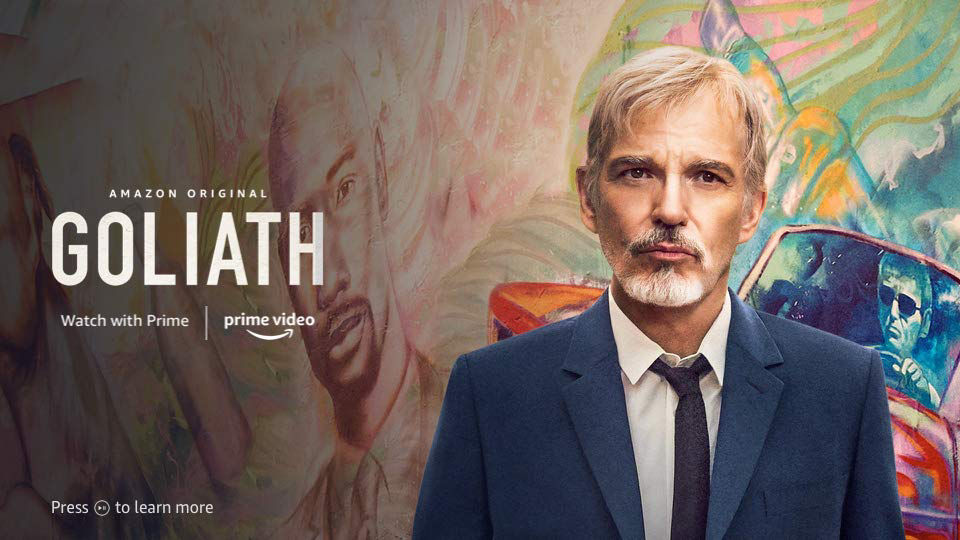
The key subject fills the safe zone and looks balanced.
✘ Do not:
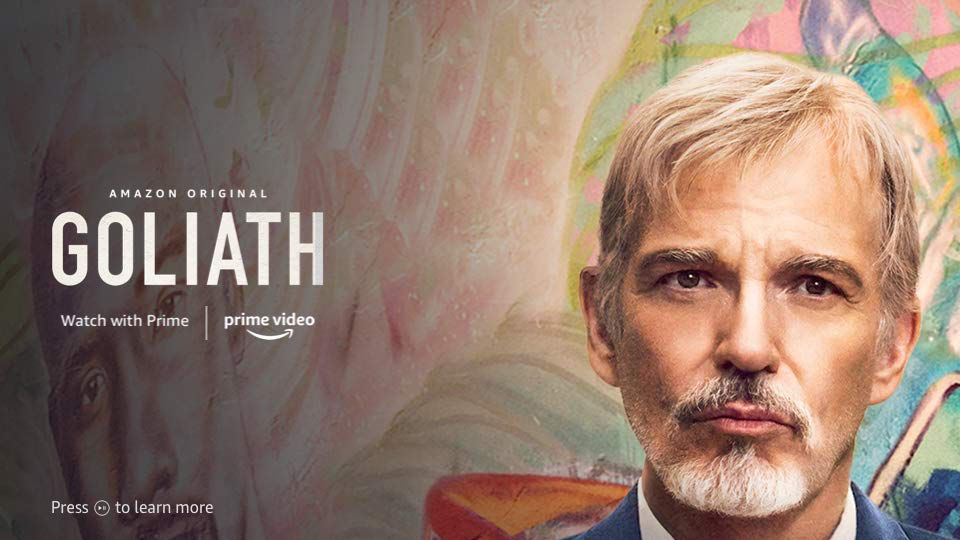
The face is too big and overflows the safe zone. It may be cut off when shown on TV.
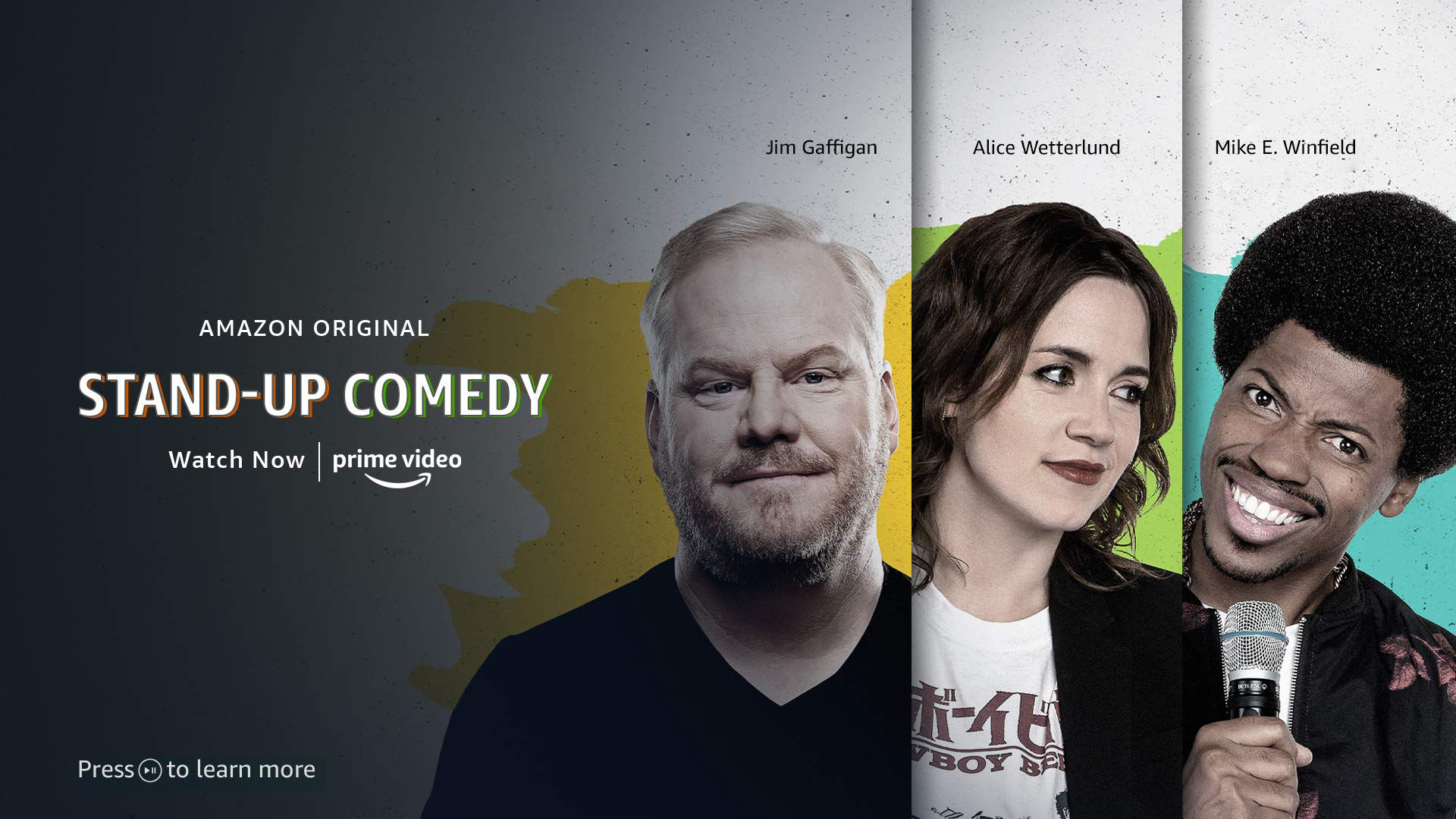
- Use a single image asset that extends all the way to the edge of a background image (full bleed). The following scenarios are also allowed when meeting our requirements:
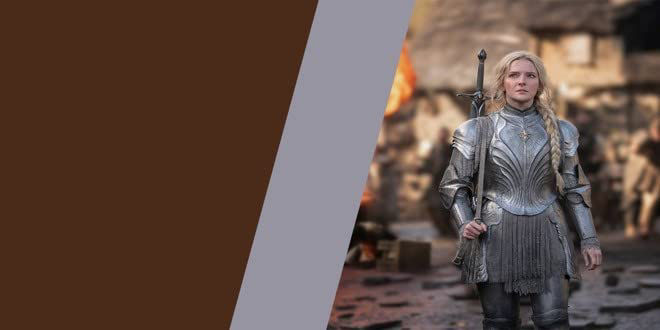
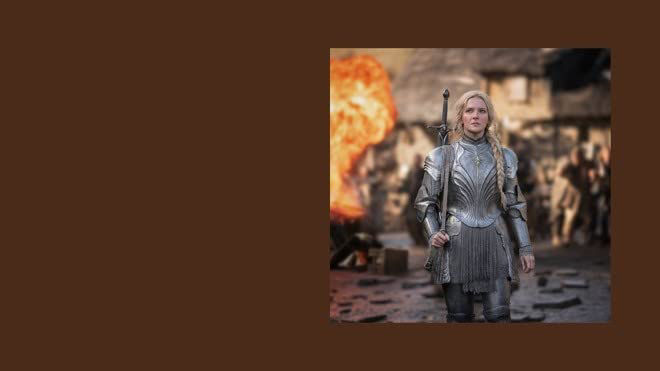
- A single image that’s not big enough to fill the background image: The image asset should fill at least the right half (50%) of the background image with no gaps around the edges, while additional visual treatment can be added on the left side of the background image to fill the empty space. Avoid a straight division (vertical line) between the image asset and the additional visual treatment unless that is a branding requirement.
✔ Approved


✘ Not approved

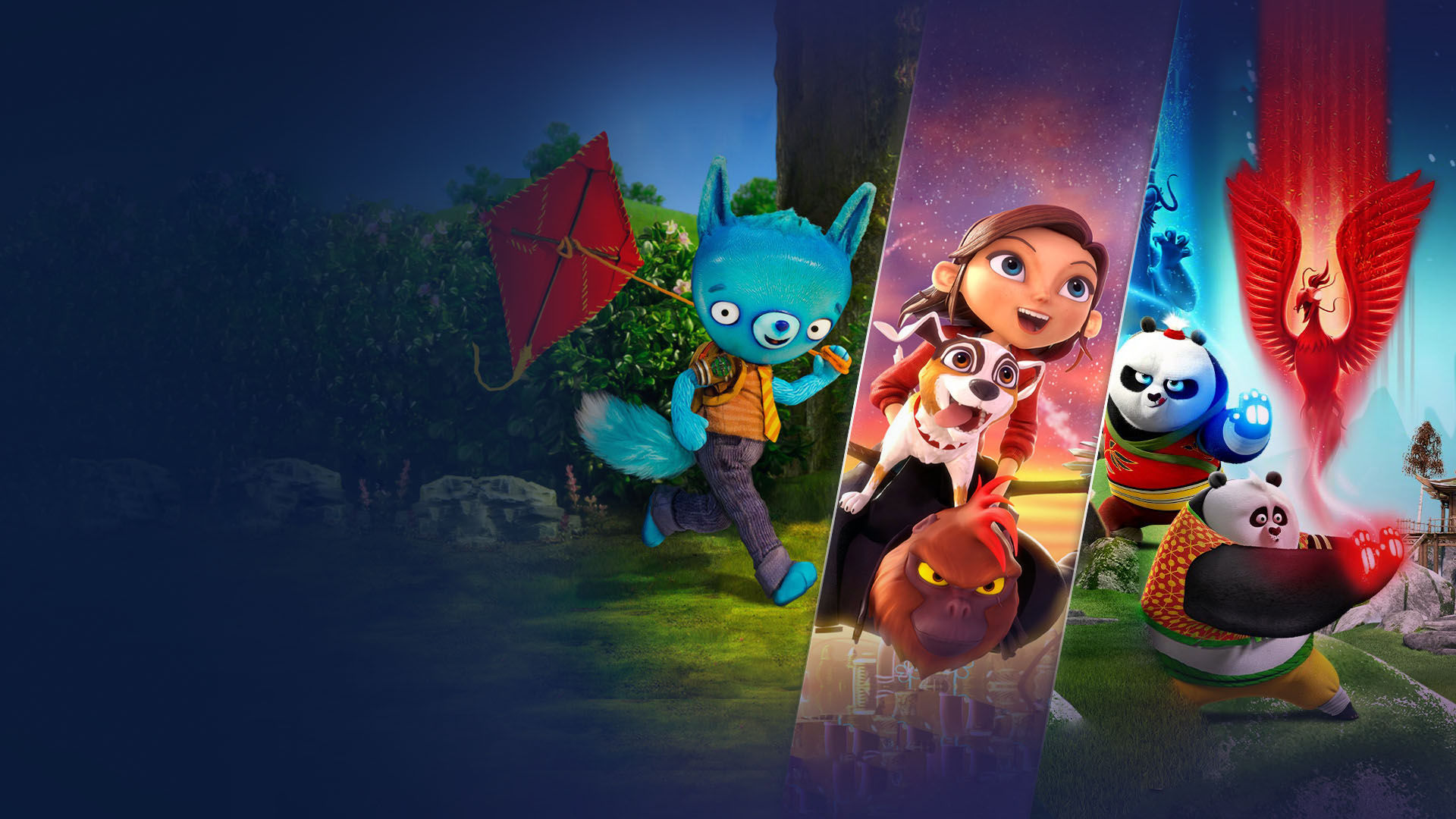
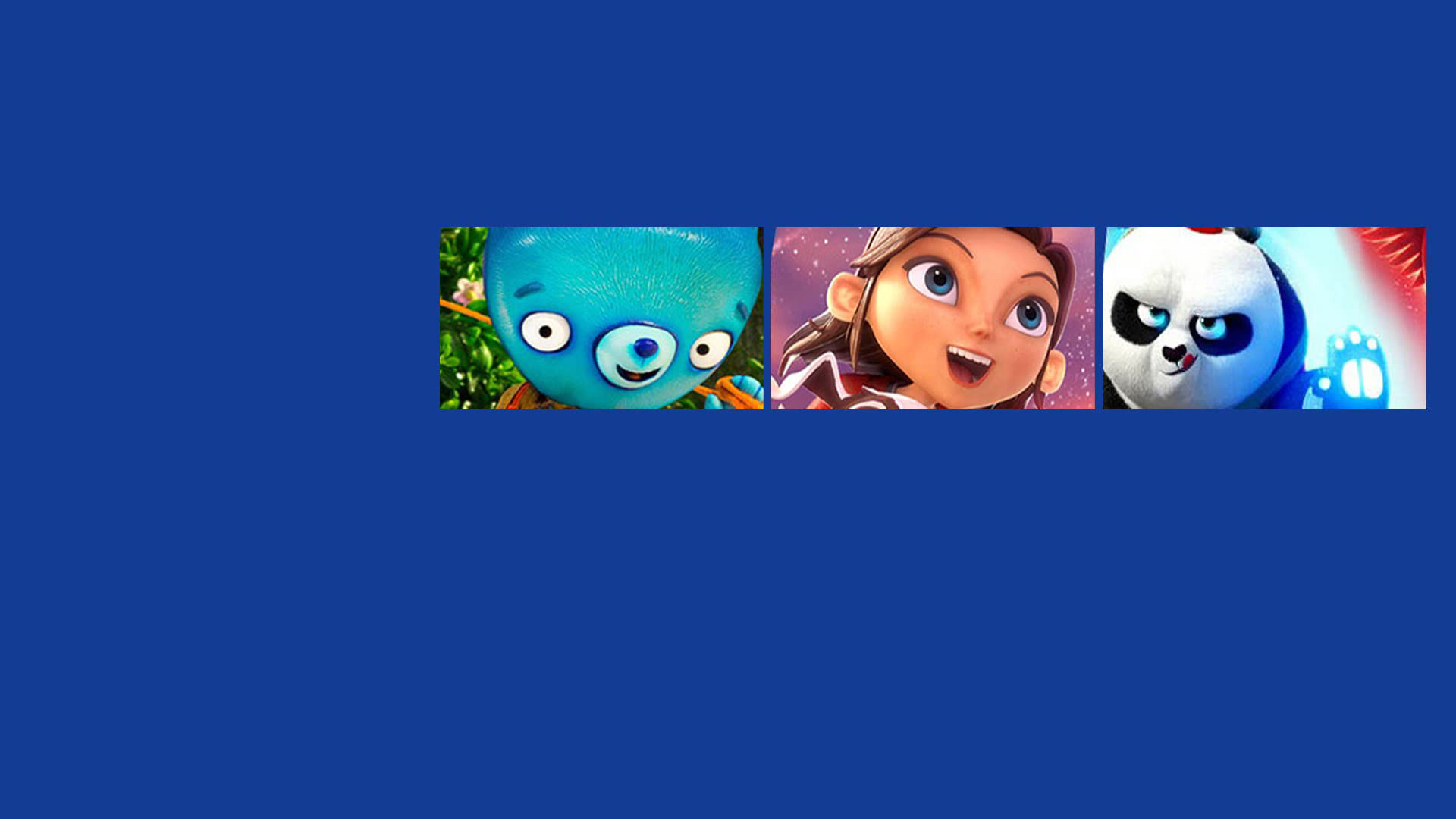
- Multiple images need to show in one image: The combined image should have an edge-to-edge background that situates the image assets. The composition of a combined image should be balanced and prioritize the key subjects from the image assets. Avoid using plain background or visual treatment that has no association with the image assets.
✔ Approved
✘ Not approved
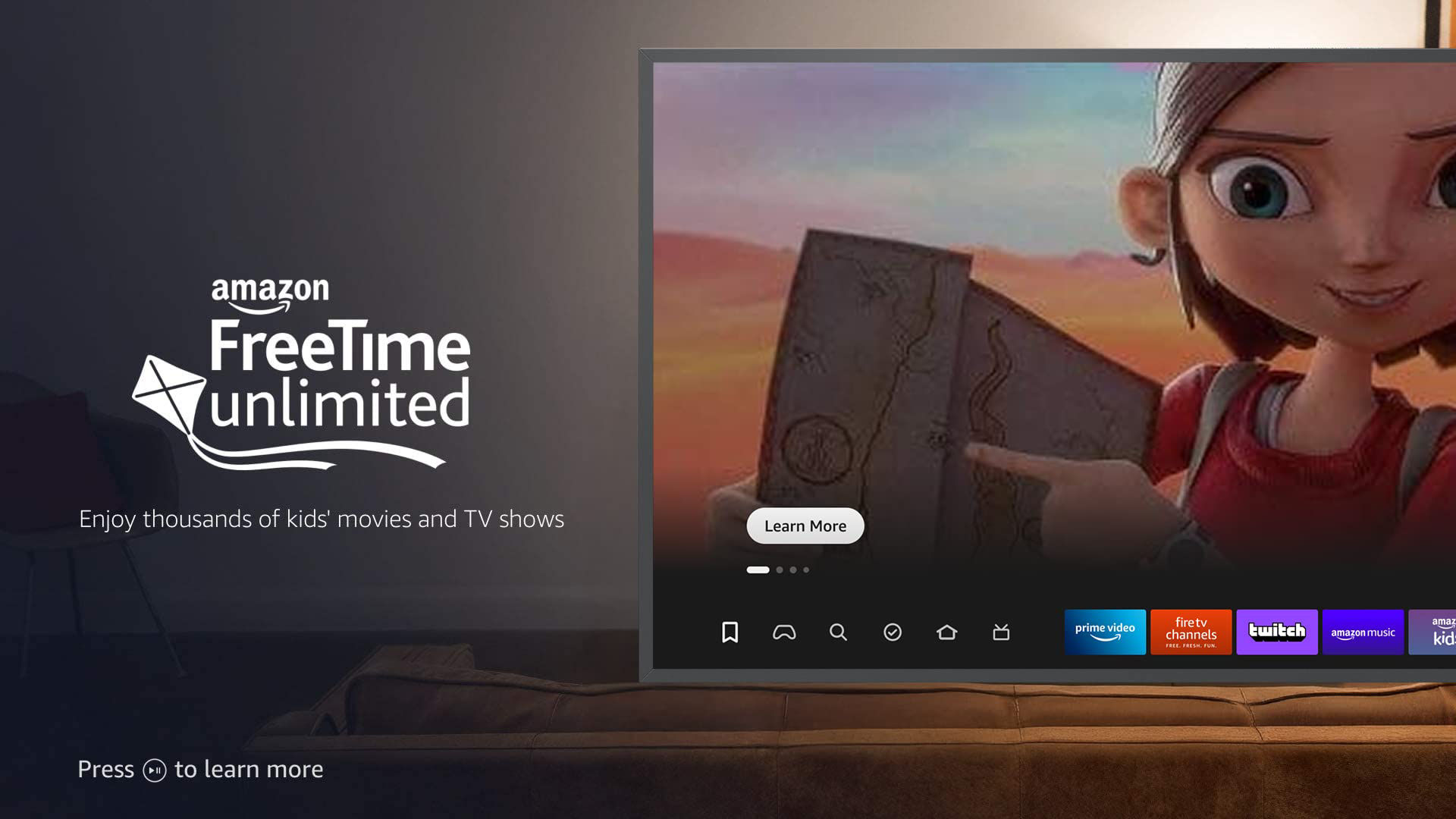
- Background static images of TV screens from competitors or images that do not appear engaging or showcase UI look-alike elements are not allowed.
✔ Do:
✘ Do not:
- Don’t use high-contrast patterns. A contrast ratio of 5:1 or lower and a RGB range of 16–235 is strongly recommended.
✔ Do:
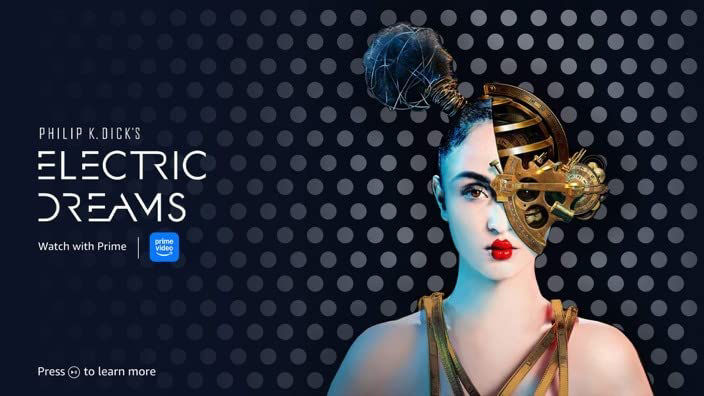
✘ Do not:
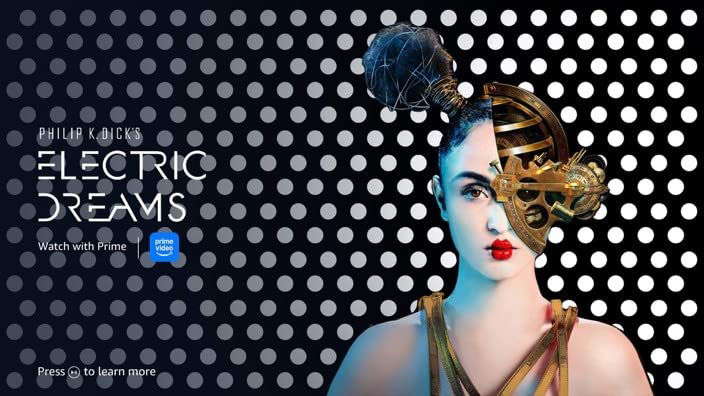
- Don’t use imagery with predominantly white or light backgrounds that are harsh on eyes and don’t provide enough contrast for UI elements. Brightness and/or saturation should be reduced if such backgrounds are used.
- Don’t place text or logos in background images that compete with or distract from the primary logo image. Any background text must provide meaningful, non-redundant context.
✔ Approved
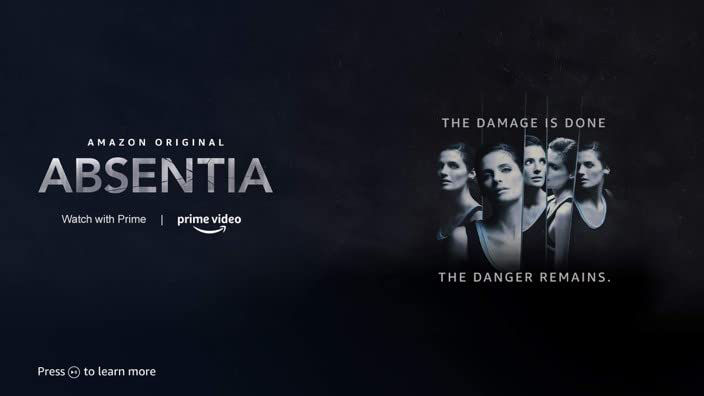
✘ Not approved
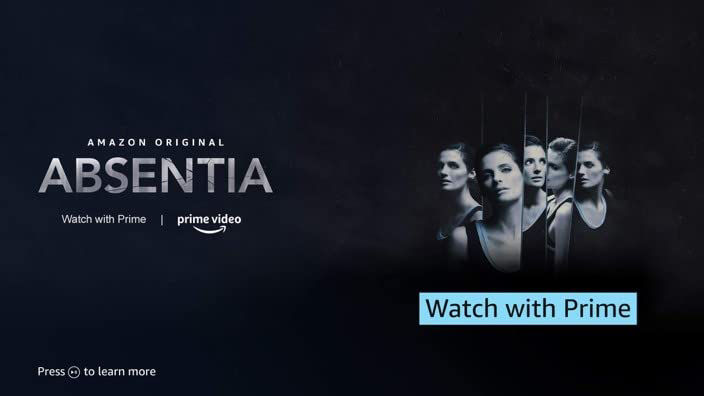
- Don’t include the translucent overlay when exporting the background image.
Logo images
Safe zone

Final file requirements
Dimensions: 640 x 360px
Format: JPEG
Maximum file size: 450KB
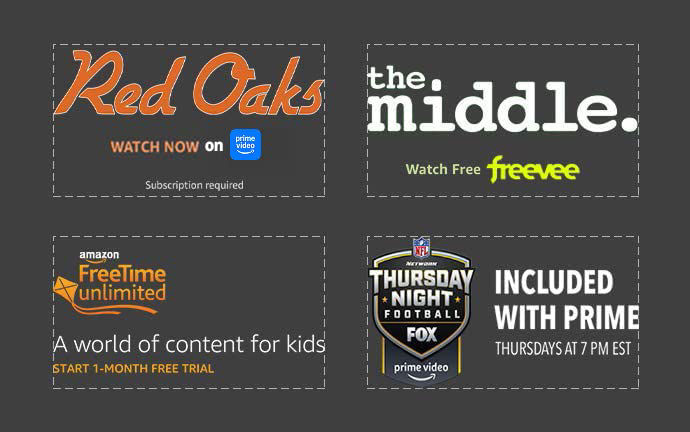
Examples
A logo image contains the following elements:
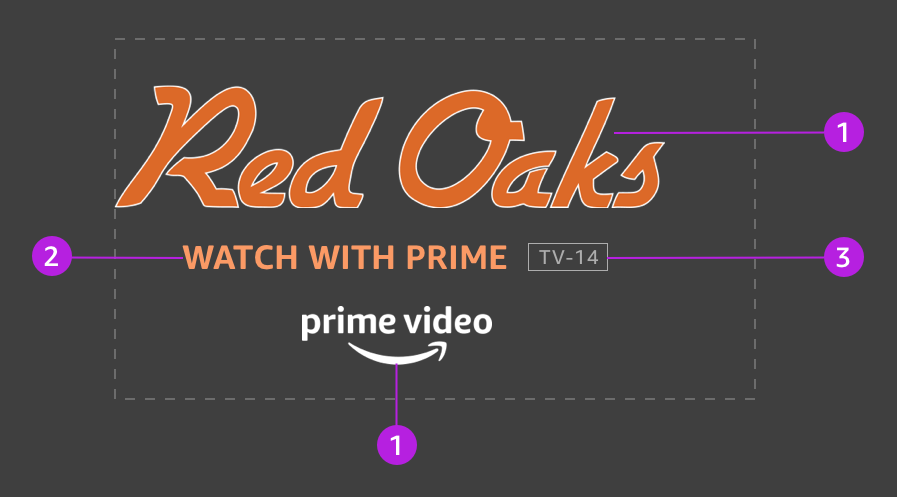
| # | Logo elements | What does it mean | Limitation |
|---|---|---|---|
| 1 | Logo(s) | A content tile logo, a brand logo, or a content provider logo. | If included, content title logos must have the highest visual priority. |
| 2 | Ad copy (optional) | CTA text, brand tagline, additional ad copy, or a disclosure. | Text length is subject to the maximum lines allowed in the logo lockup (5 lines including all text and logos). Up to 2 words (15 characters for JP) for disclosure text. (Disclosure longer than 2 words should be placed in the background image.) |
| 3 | Content rating label (if applicable) | The rating of the content title being advertised. | Required for content rated for 12/13 years and older. |
Guidelines
- Only include necessary information in the logo lockup. Up to five lines of logo elements are allowed, as it helps maintain a clear visual hierarchy of the logo lockup.
- Keep the logo lockup left aligned and vertically centered.
✔ Do:
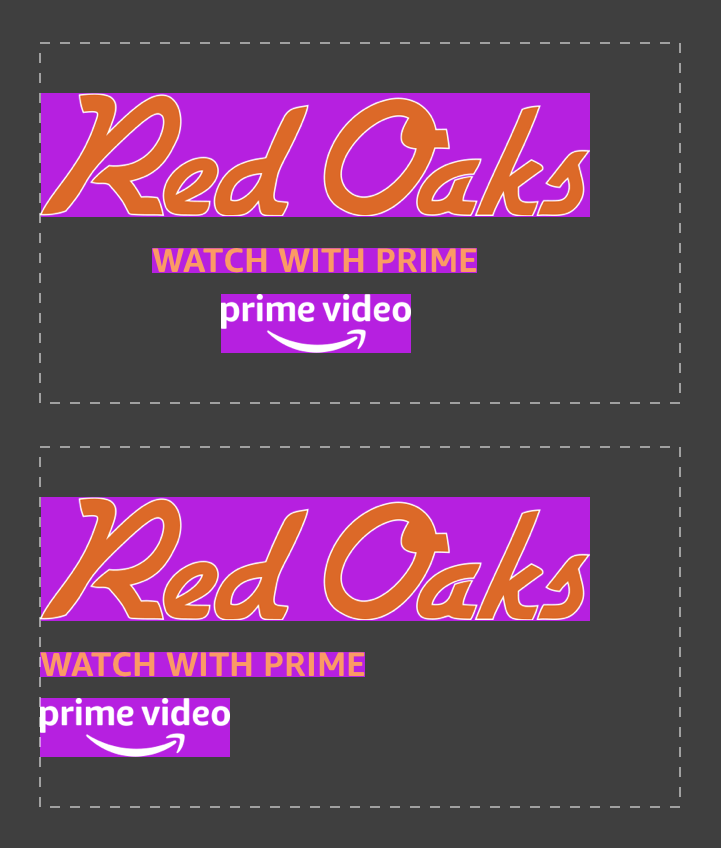
✘ Do not:
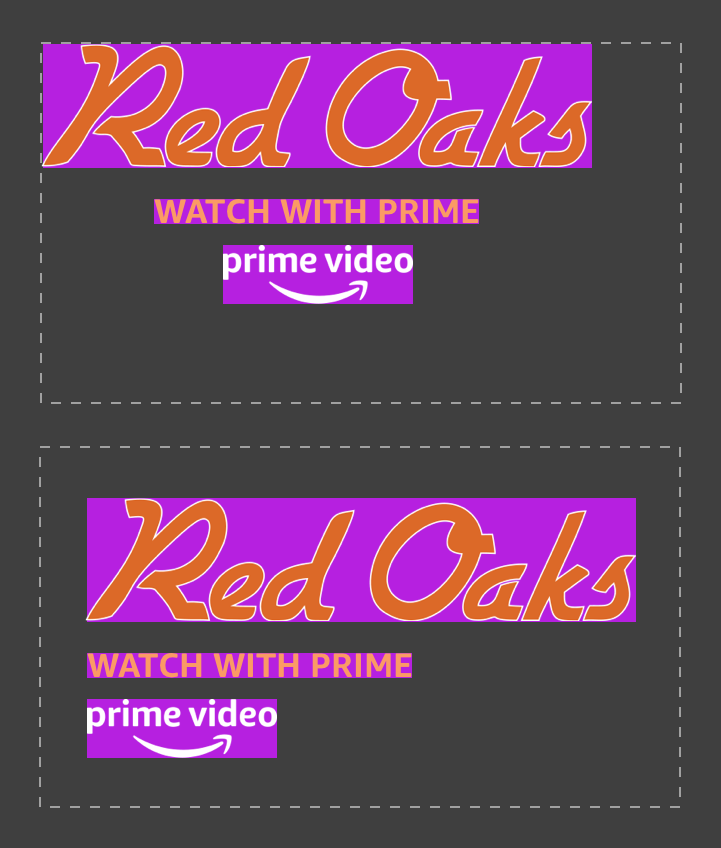
- When a content title logo is included, it should have the highest visual priority when compared to other logo elements. For example, the content title logo is in a brighter color or bigger size than other logos and text.
- All logos must be legible: the primary text of a logo should be at least 24 pt (Arial regular or equivalent size). Otherwise, the smallest text of a logo should be at least 14 pt.
- The logo image must contrast well with the background image; a minimum of 3:1 contrast ratio is required.
- Don’t duplicate logos or text copy. (This doesn’t apply to logos or text that exist organically in the background image.)
- A trademark symbol is discouraged but not blocked.
Ad copy
- Ad copy should be clear, direct, accurate, and understandable to the average customer.
- Avoid end punctuation.
- Maximum font size for prices is 48 pt (Arial regular or equivalent size).
- All primary text should be at least 24 pt (Arial regular or equivalent size). Secondary text that is smaller than 24 pt is allowed.
- Do not include “fine print,” copyright statements, or legal symbols.
- For entertainment ads, use a recommended CTA whenever possible.
- CTA text must:
- Communicate the action that the customer is expected to take.
- Reflect customer experience on the landing page.
- Start with a verb.
- Be at least 28 pt.
- Not be used to message an offer (e.g. “Save $5”).
- Disclaimer text
- Subscription required – If the content promoted requires an additional paid subscription beyond a Prime Video subscription, this must be made explicit in the creative by one of the following methods:
- Within the Call-to-Action text: “Watch with a subscription”, “Subscribe to watch now”, etc.
- As legal text within the creative: “Subscription required”, etc.
- Within the Call-to-Action text plus legal text: “Watch with 7-day free trial” plus additional legal text “Restrictions apply”, etc.
- Rent/Buy – If the content promoted requires payment to rent/buy/purchase the app or piece of content, this must be made explicit in the creative.
- Within the Call-to-Action text: “Buy or Rent on Prime Video”, “Available to Rent”, “Available to Buy”, “Own it today”, “Stream with Purchase”, “Prime Member Deal”, “Watch now [+ Prime Video Cinema logo lockup]”, etc.
- Standard guidelines for call to action text apply.
- Claims and substantiation: follow guidance for Claims and Substantiation.
All ad copy (including disclosure) in Screensaver creatives should meet creative acceptance policies when applicable.
Content rating labels
Safe zone
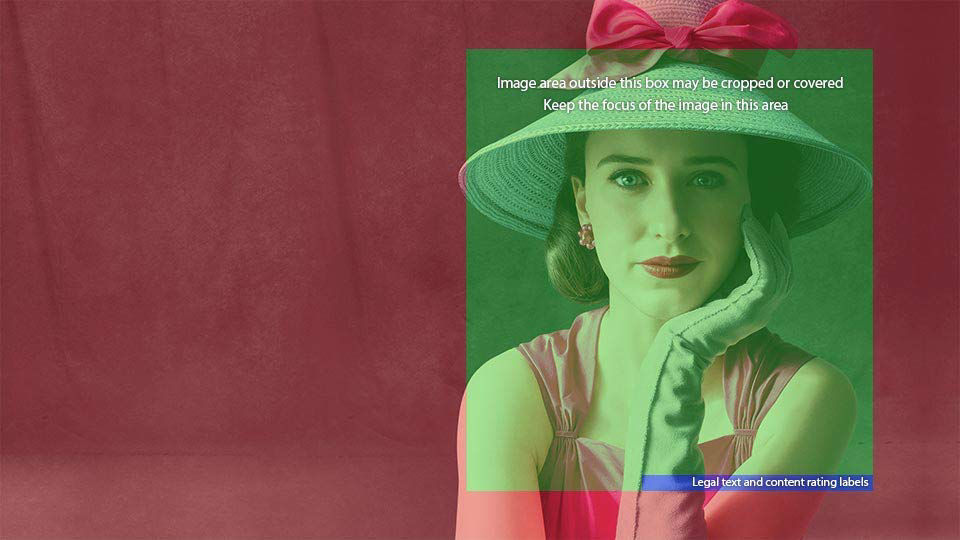
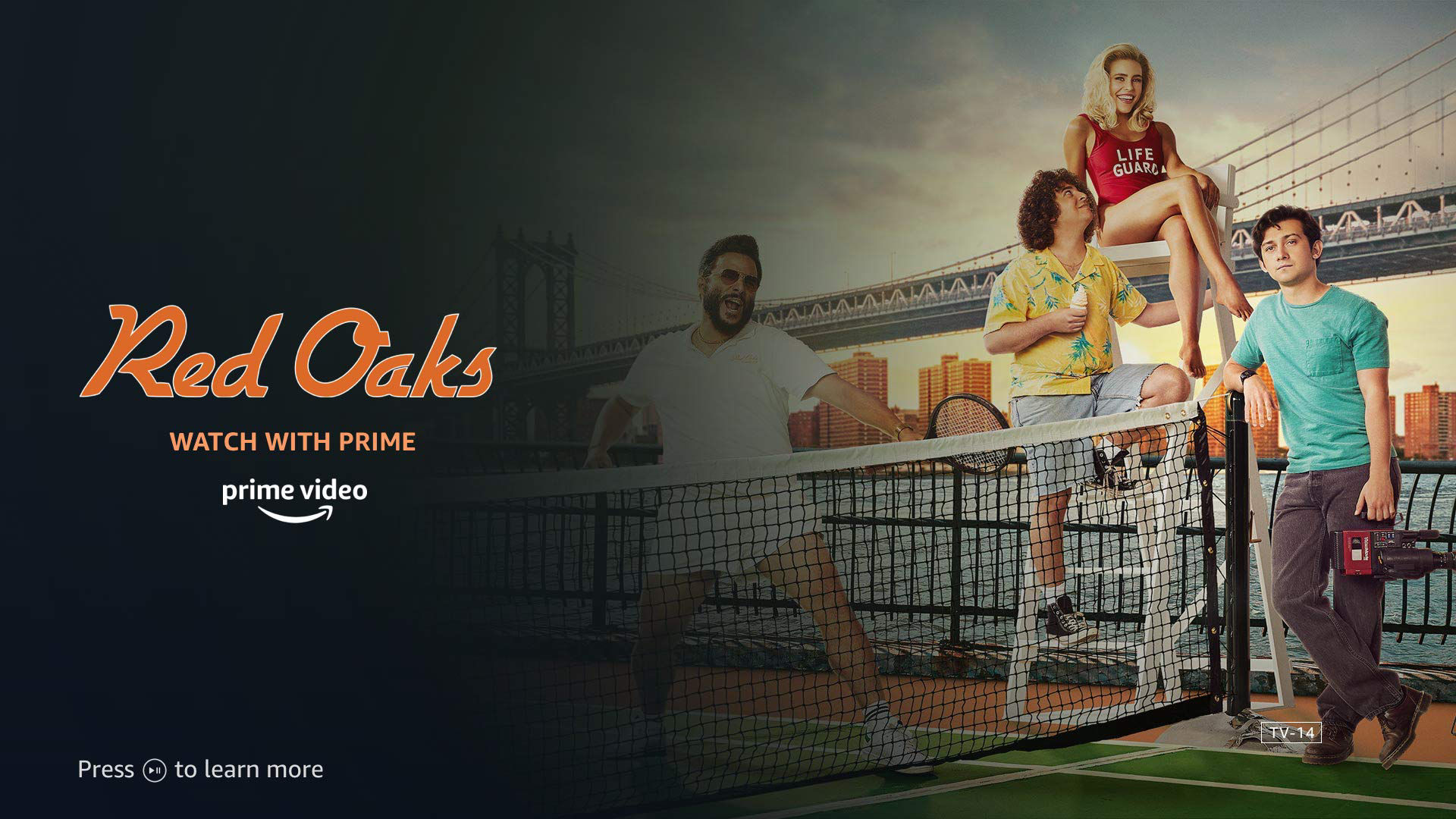
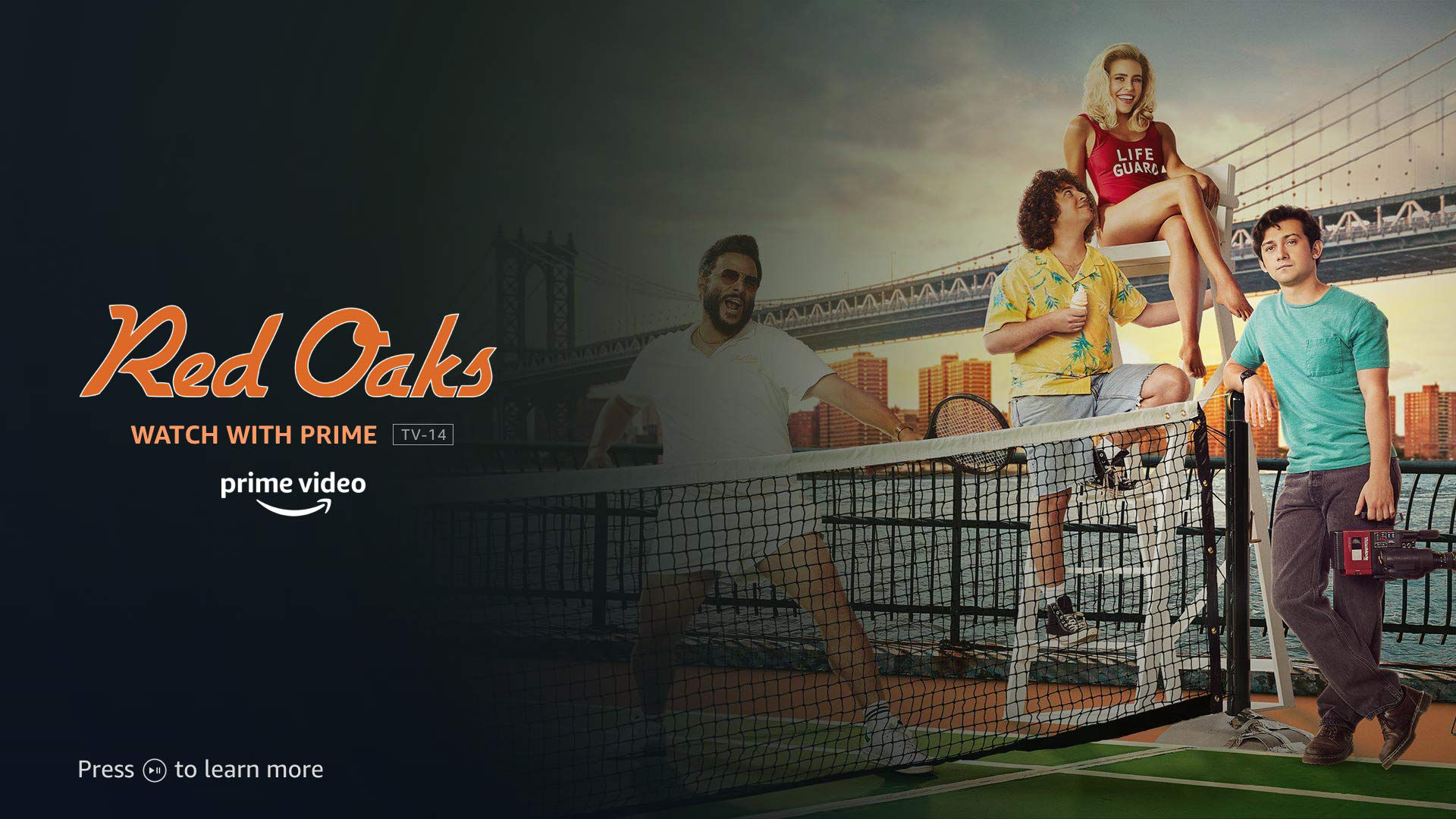
A content rating label can be placed either in the blue safe zone on the background image or in the logo image. A content rating label is required for content rated for 12/13 years and older when the ad drives directly to a video or a page where video is featured.
Examples
Guidelines
- Use the content rating labels provided in the PSD template.
- Ensure that content rating labels are legible. For example, adjust the background image or the color of the rating label when necessary; and avoid applying drop-shadow effects to the rating label.
- Ensure that the content rating label is reflecting the rating of the content title or app being advertised.
- Use the default position of a content label when placing it in the background image.
Legal text
Safe zone
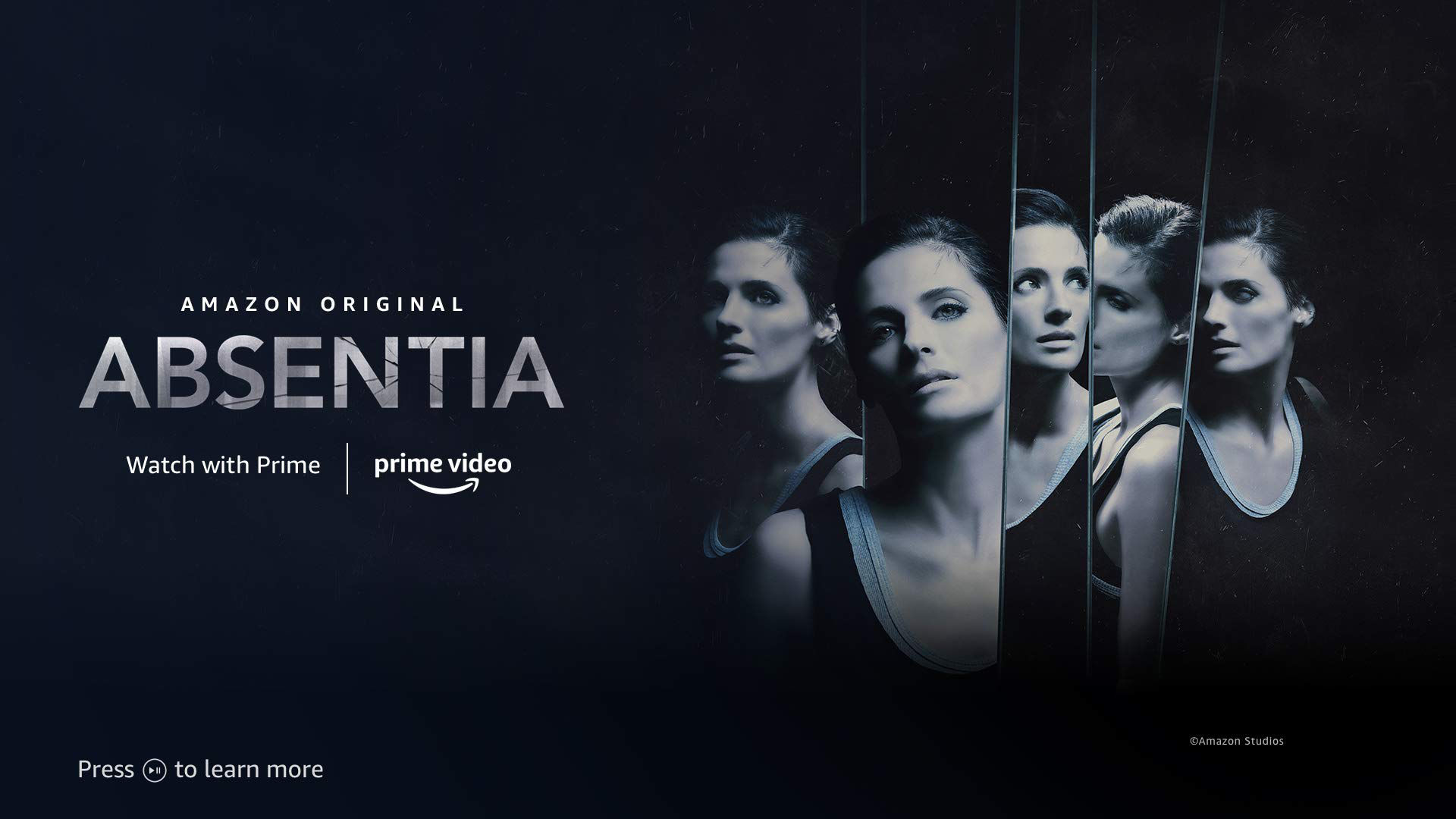
Legal text such as copyright statements and legal symbols will be removed by default. If legal text is used, adhere to the following requirements:
- Place legal text in the blue safe zone on the background image. If additional space is needed, use the landing page or include it in the logo.
- Do not stack legal text with a rating label. Place legal text on the left side of the content rating label (if applicable).
- Use 14pt font.
- Keep up to two lines of text.
- Legal text must not overflow the safe zone.
Example
Multi-title creative
What is a multi-title creative?
A creative’s logo lockup includes two or more content title names/logos, or its background image includes key arts from two or more content titles. A multi-title creative can include up to 4 content titles.
A Multi-title creative should promote:
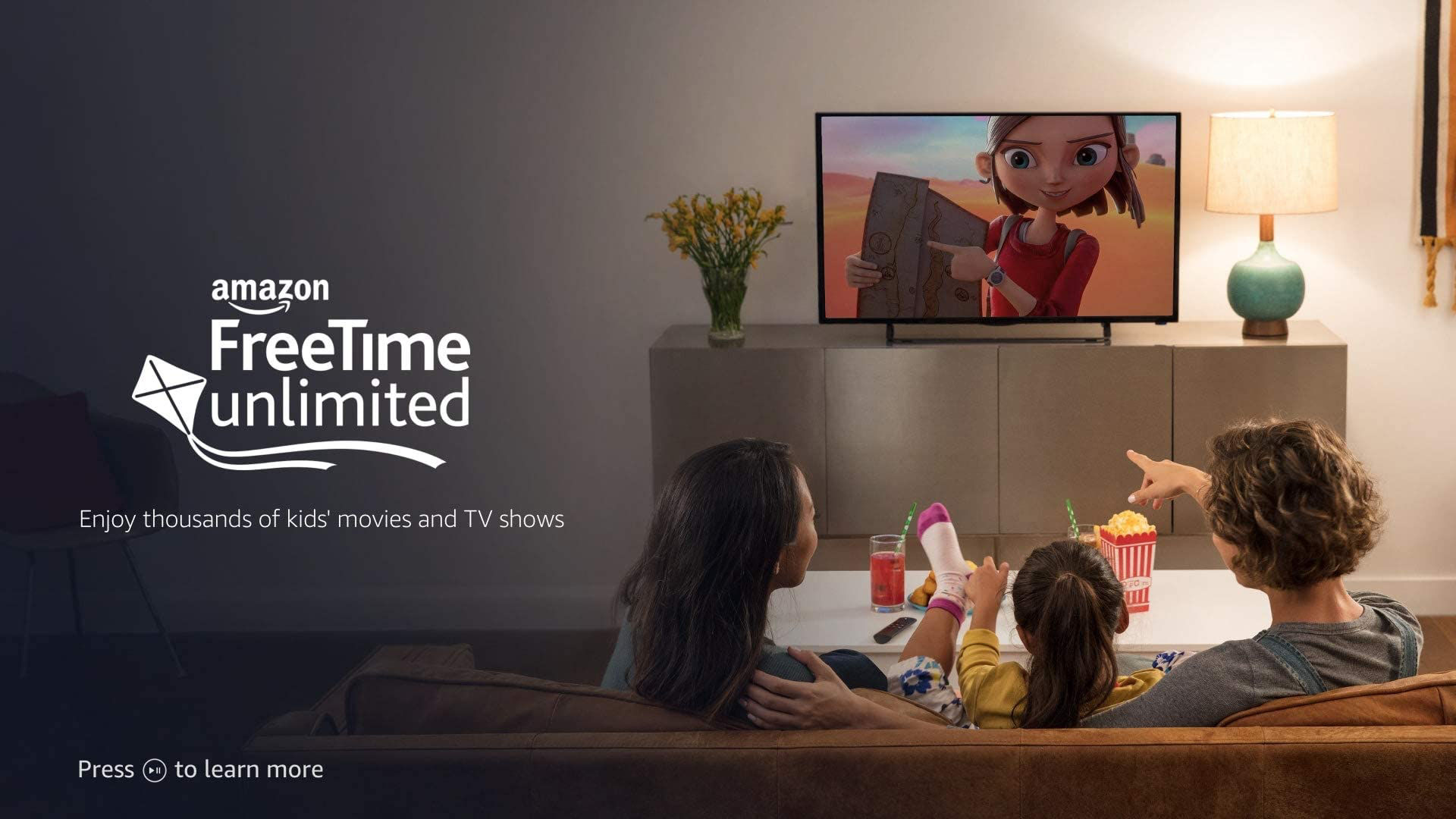
- A streaming service or app that is available on Fire TV (e.g. Freetime Unlimited, Netflix, or Sling TV).
- Movie titles in series (e.g. Smurf and Smurf 2; Toy Story, Toy Story 2, and Toy Story 3). Multiple seasons of a TV series will count as a single title following general creative guidelines.
- A collection of content titles (e.g. “Scary good movies”, “Holiday movies”, or “Family movie night”).
Multi-title creatives should adhere to the following guidelines in addition to general creative guidelines for Screensaver ads.
Multi-title creative background image
The background image of a multi-title creative should follow general guidelines. Text in multi-title background images promoting premiere information for a maximum of two titles in a 3 title image is permitted. All copy must be legible and maintain hierarchy guidelines. Visual treatment should follow the below requirements:
✔ Do:
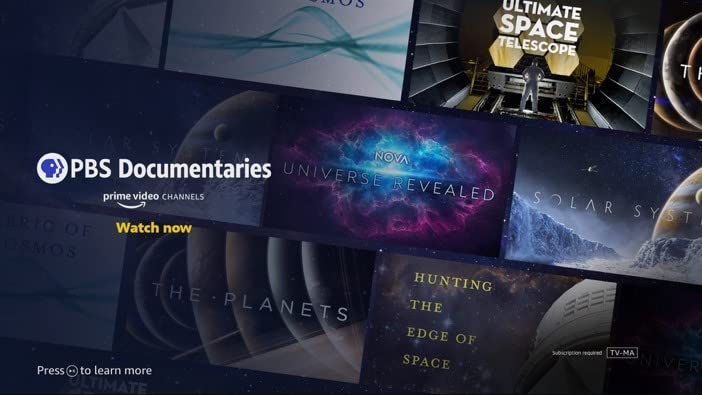
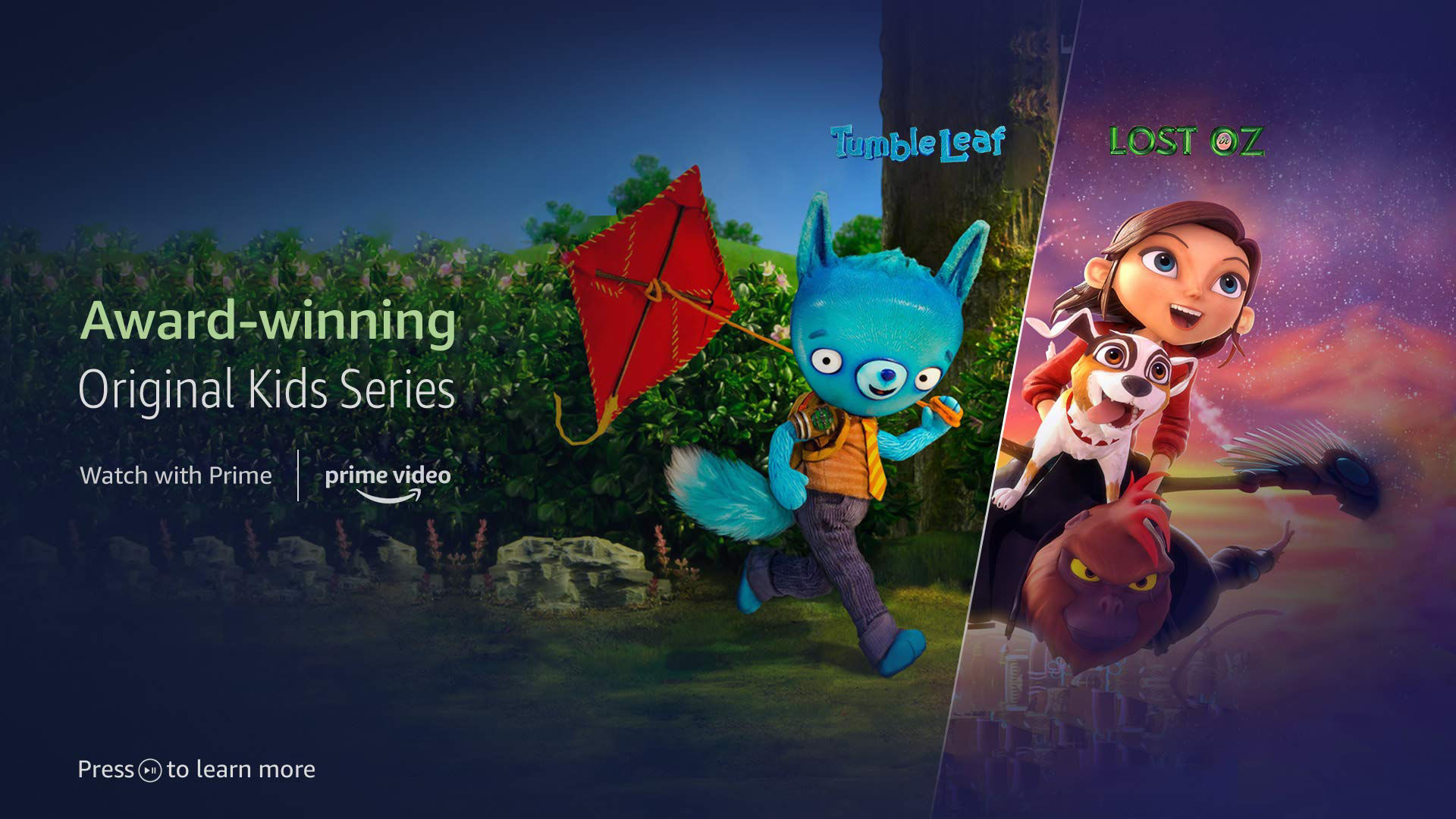
Combine multiple full-bleed key arts in one image.
✔ Do:
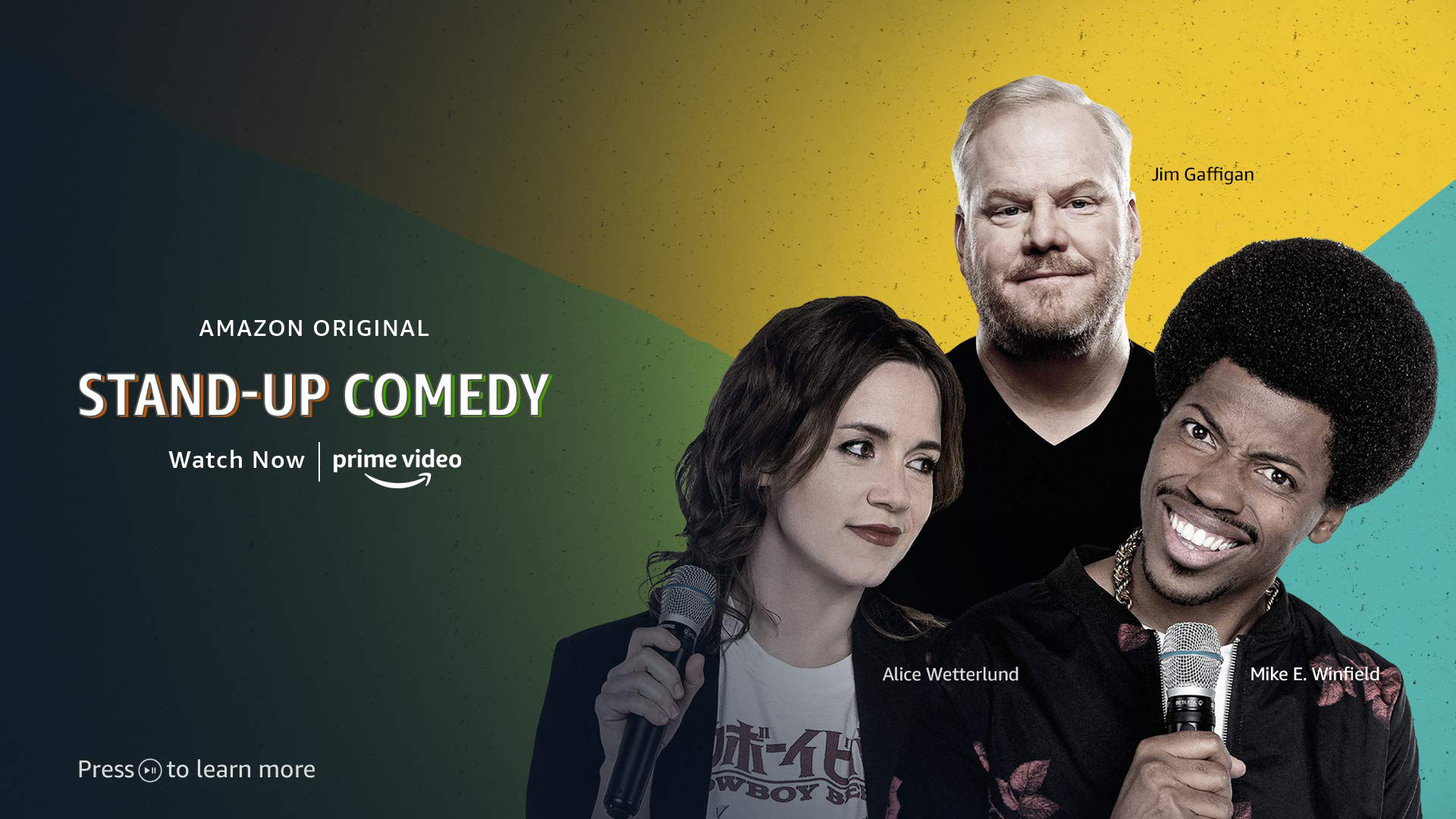
Place characters from multiple content titles in one image.
✘ Do not:
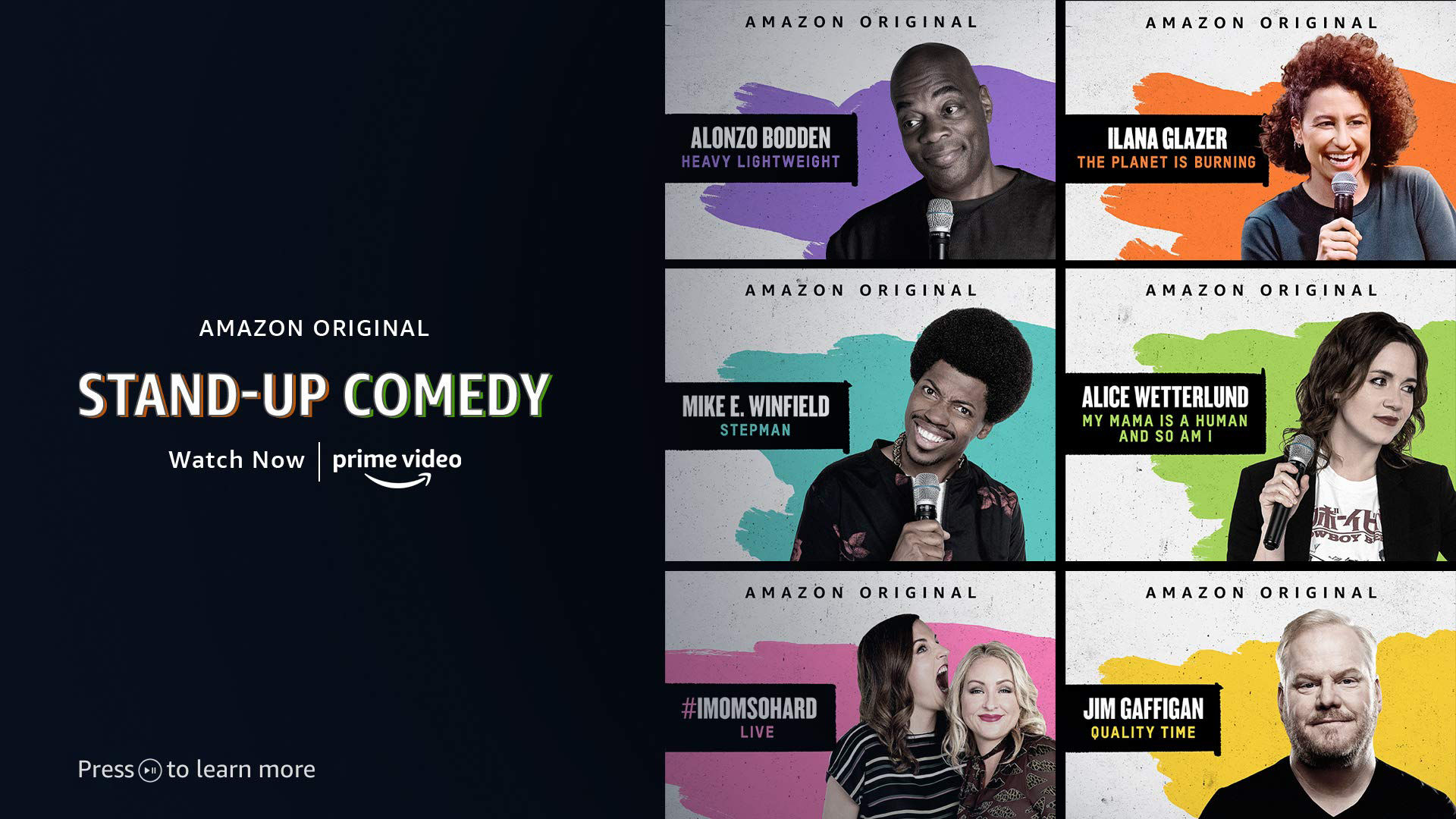
Don’t display titles in tiles that look clickable.
✔ Do:
Show titles in tiles that don’t look clickable.
Multi-title creative content title logo
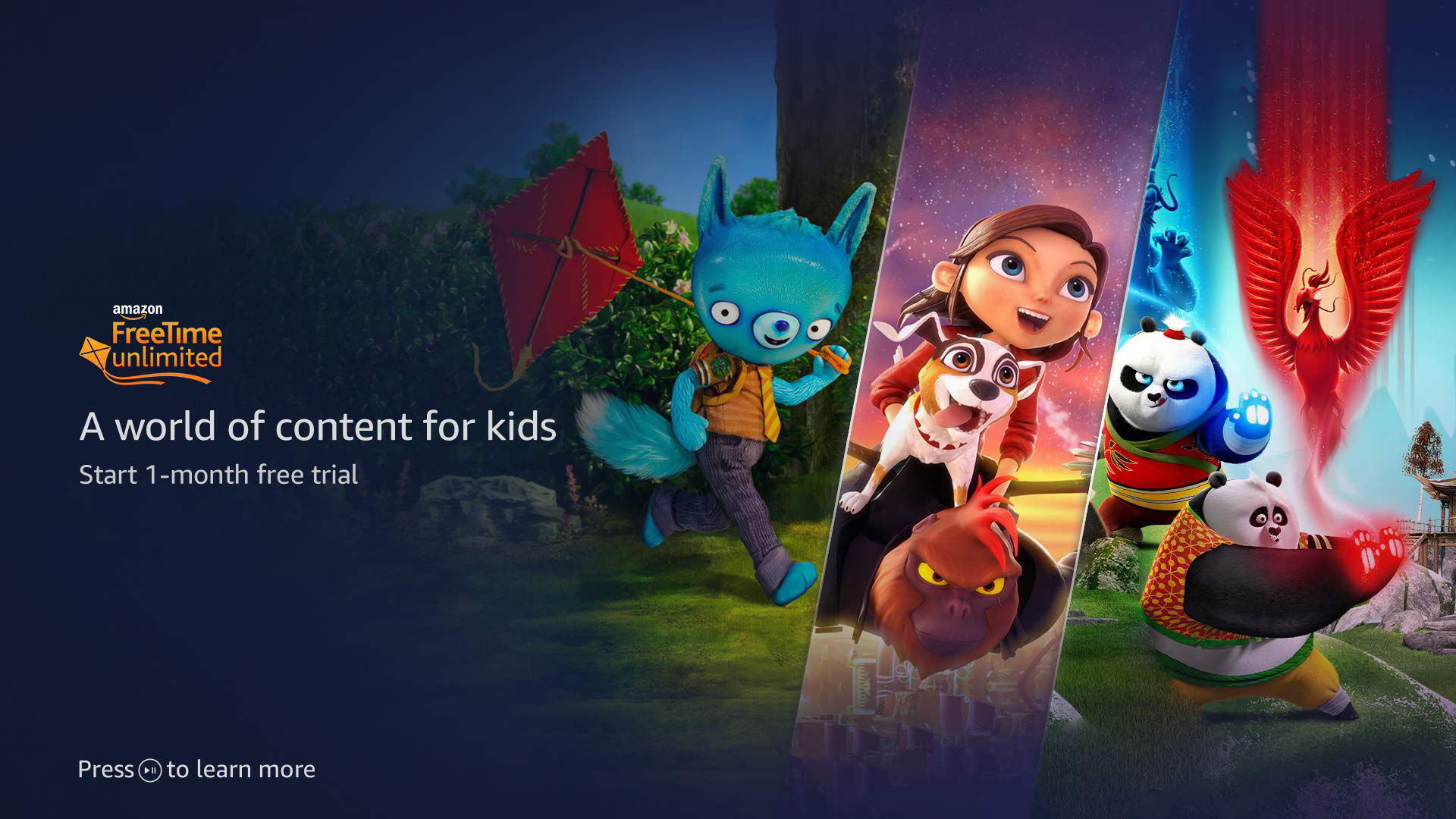
If the goal of a creative is to promote a streaming service/app, it is OK to omit the title names. If the goal is to promote the content titles, the title names must be visible on the creative.
Included:
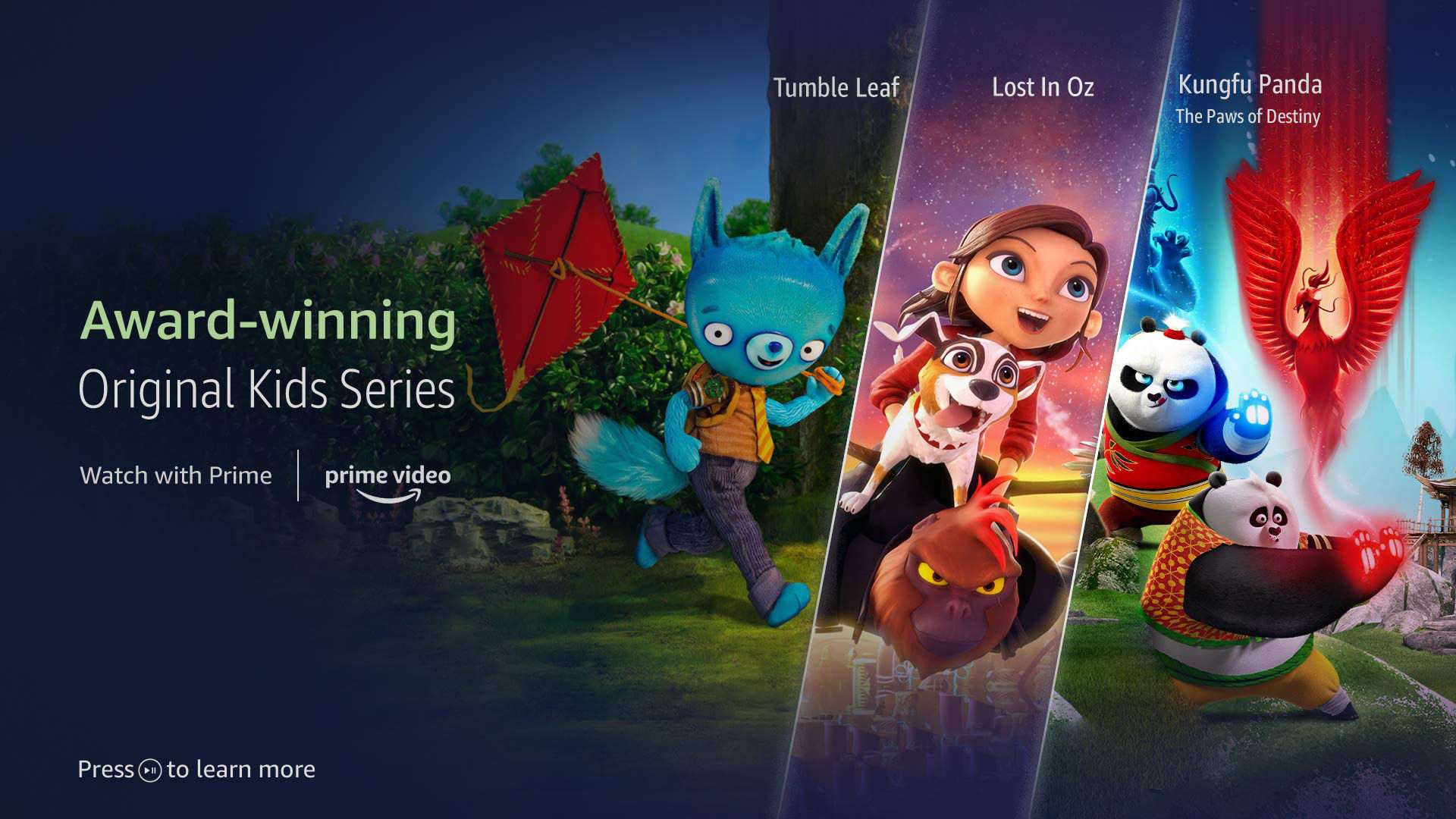
Not included:
Title names can be placed in the logo lockup if all titles are from the same series and the background image is showing common characters from these titles.
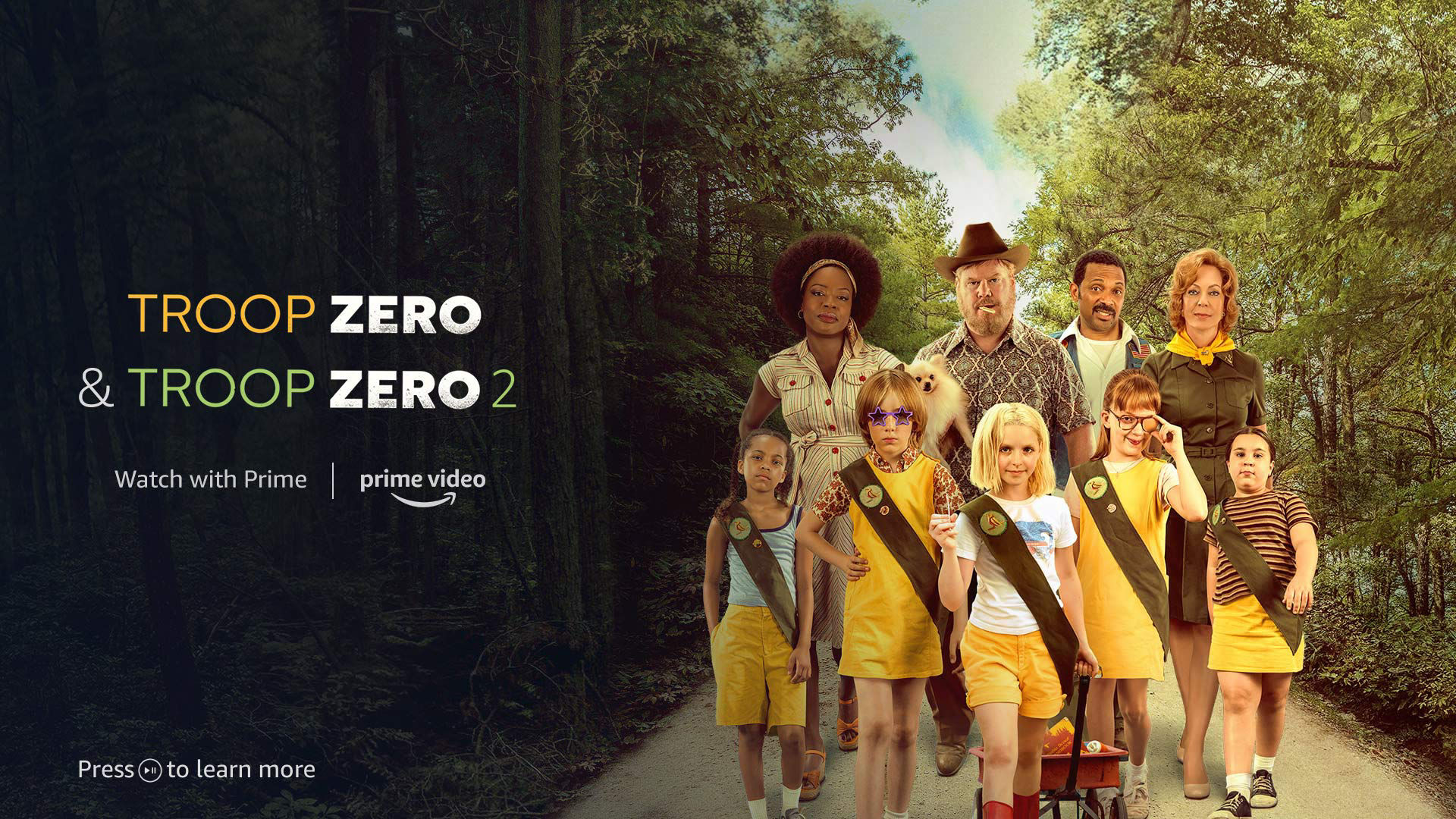
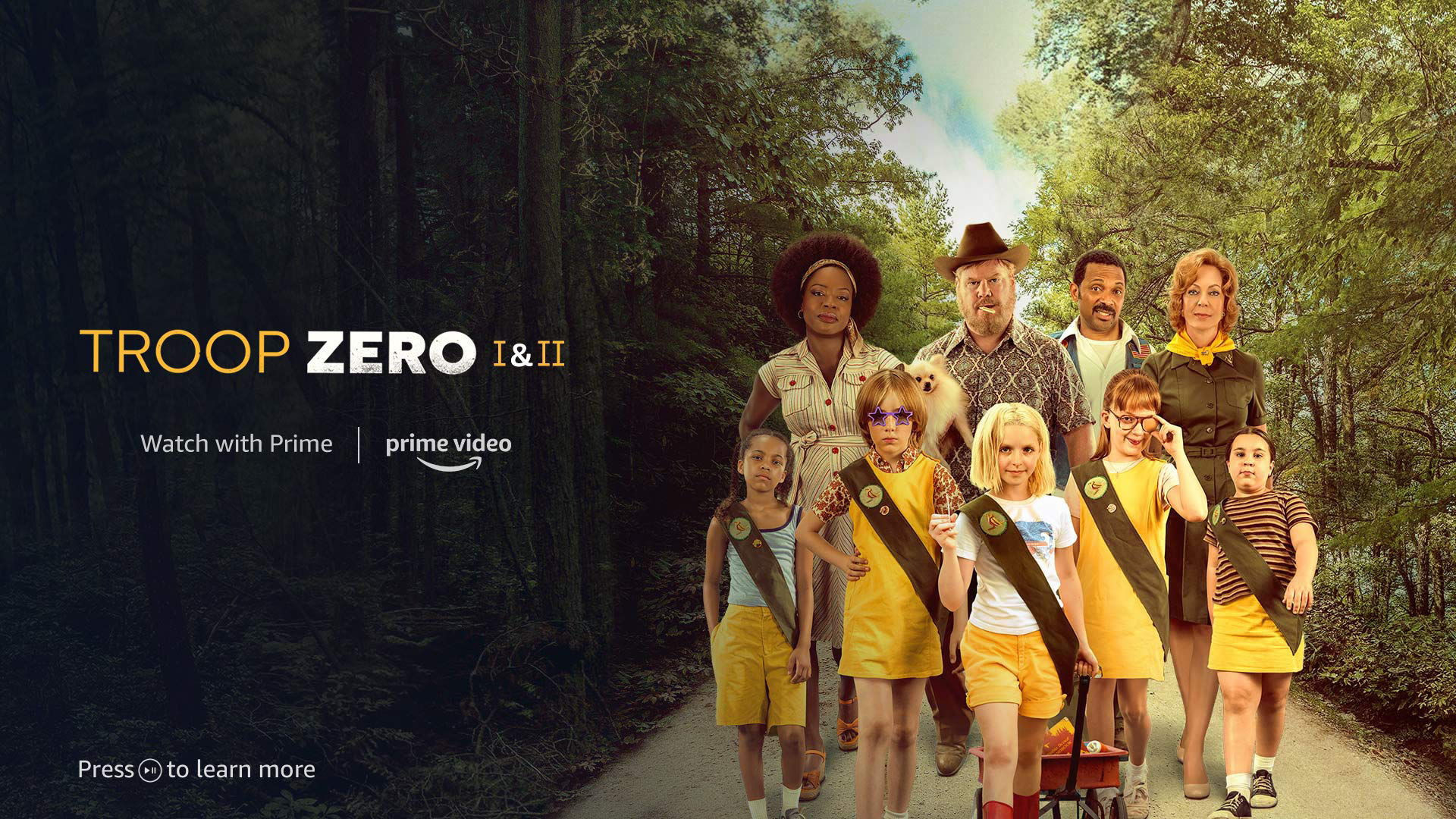
When titles are independent from each other, place the title names in the background image. Make sure each title name is close to the corresponding key arts.
✔ Do:
✘ Do not:
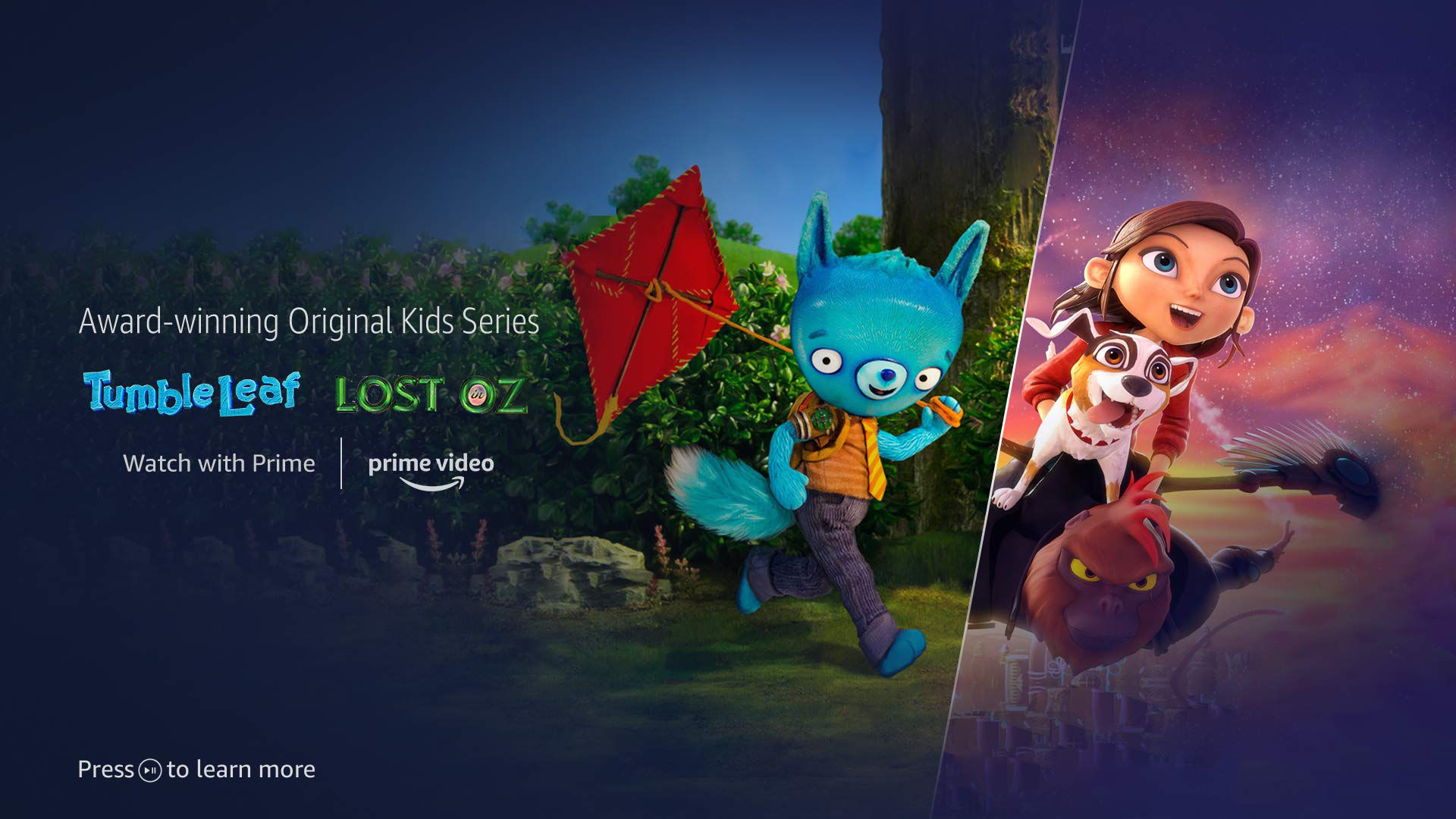
Depending on visual treatment, title names can be in either text format or logo format. Title names must be:
- Legible (minimum font size: 24pt Arial regular or equivalent)
- Consistent in format within the same creative (all logos or all text)
- Inside the background image’s green safe zone
Multi-title creative content rating
If the creative is promoting content titles, show the rating of the content title that’s rated most restrictively. For example, a creative is featuring 2 titles, one is rated R and the other is rated PG-13, show the R label in the creative.
Sequential messaging (US only)
Guidelines
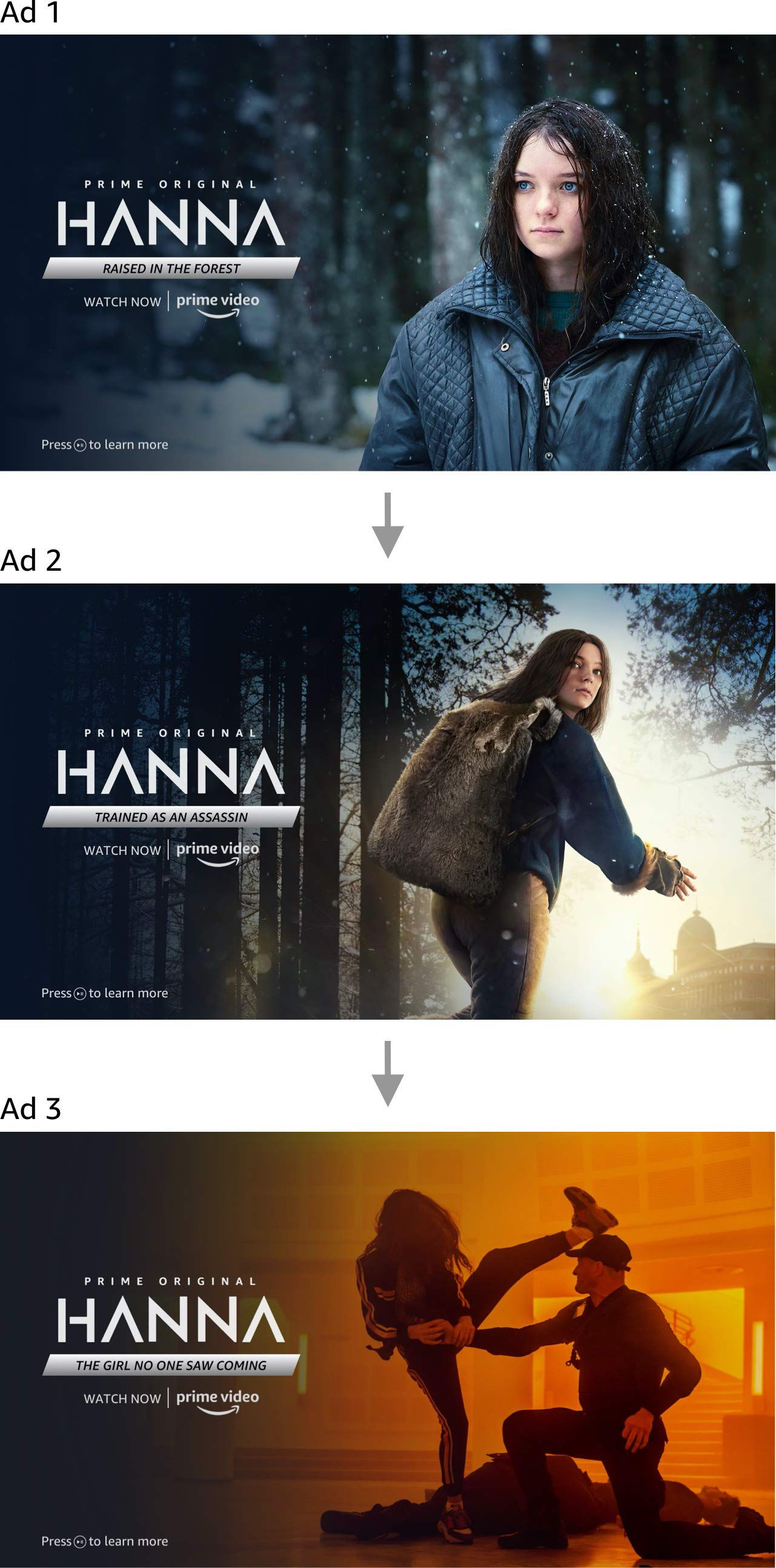
- When running screensaver sequential messaging campaigns, 3 screensaver ads will be shown one after the other from the same content provider.
- The ads must follow standard screensaver specs and guidelines.
- Each ad must function on its own as a unique screensaver ad and does not require customers to have seen 2 or 3 of the ads in order to understand what’s being promoted.
- The background image for the 3 creatives must be unique. The screensaver must not repeat the same background image as this can feel like a broken CX when the screensaver transitions from one slide to another.
- The logo image may be identical across all 3 creatives, or, it may change and include different content/messaging (e.g. taglines, actor’s names, award nominations, etc.)
- The clickthrough destination across all 3 creatives can be either:
- Identical (e.g. all 3 creatives link to the same video detail page)
- Unique: for cases where each ad has its own landing page (e.g. Creative promotes an app and Ad 1 links to Comedies page, Ad 2 links to Dramas page, Ad 3 links to Kid’s Series page).
✔ Do:
✘ Do not:
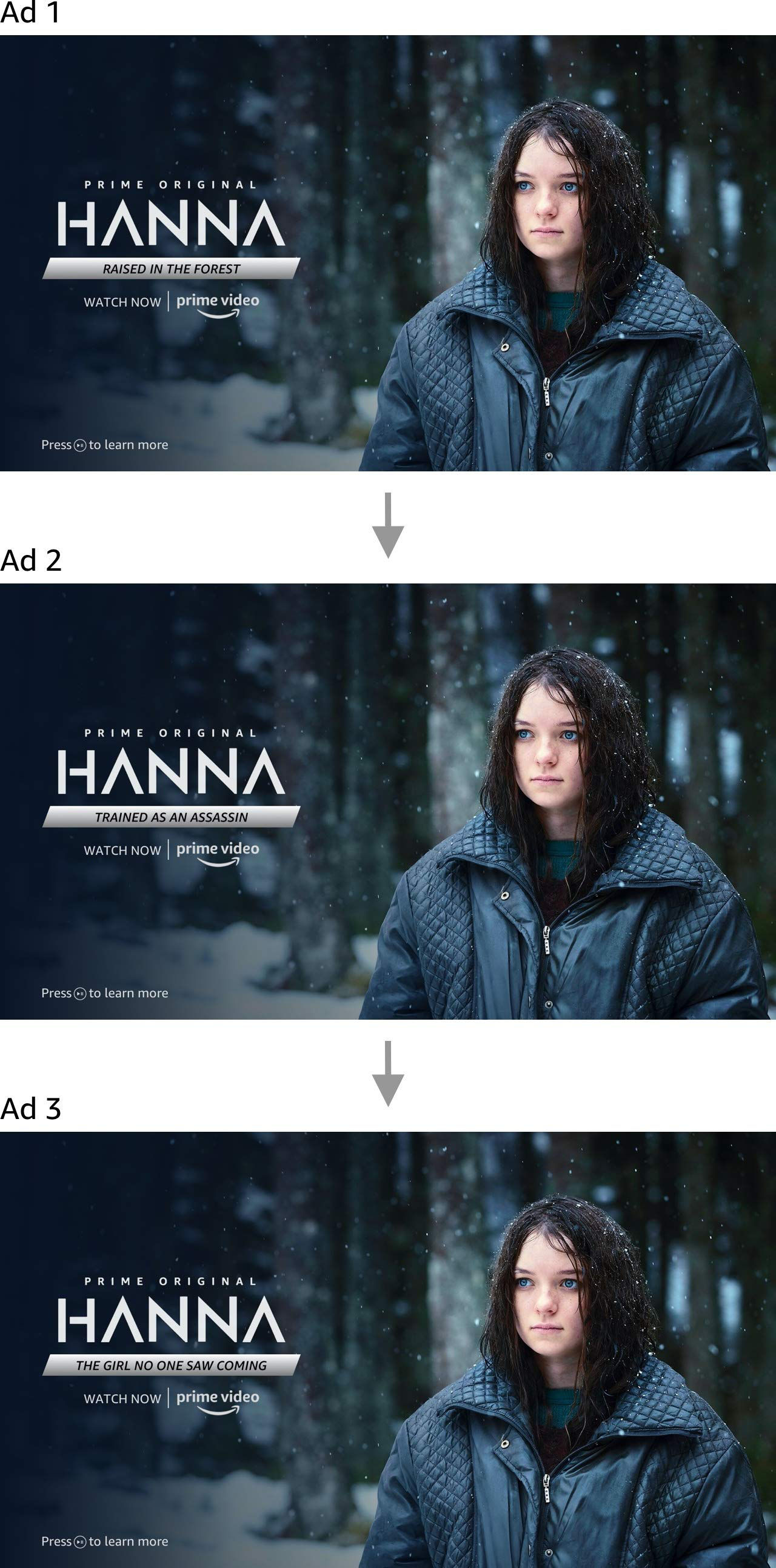
Why? The background image for the 3 creatives must be unique. The screensaver must not repeat the same background image as this can feel like a broken CX when the screensaver transitions from one slide to another.
✔ Do:
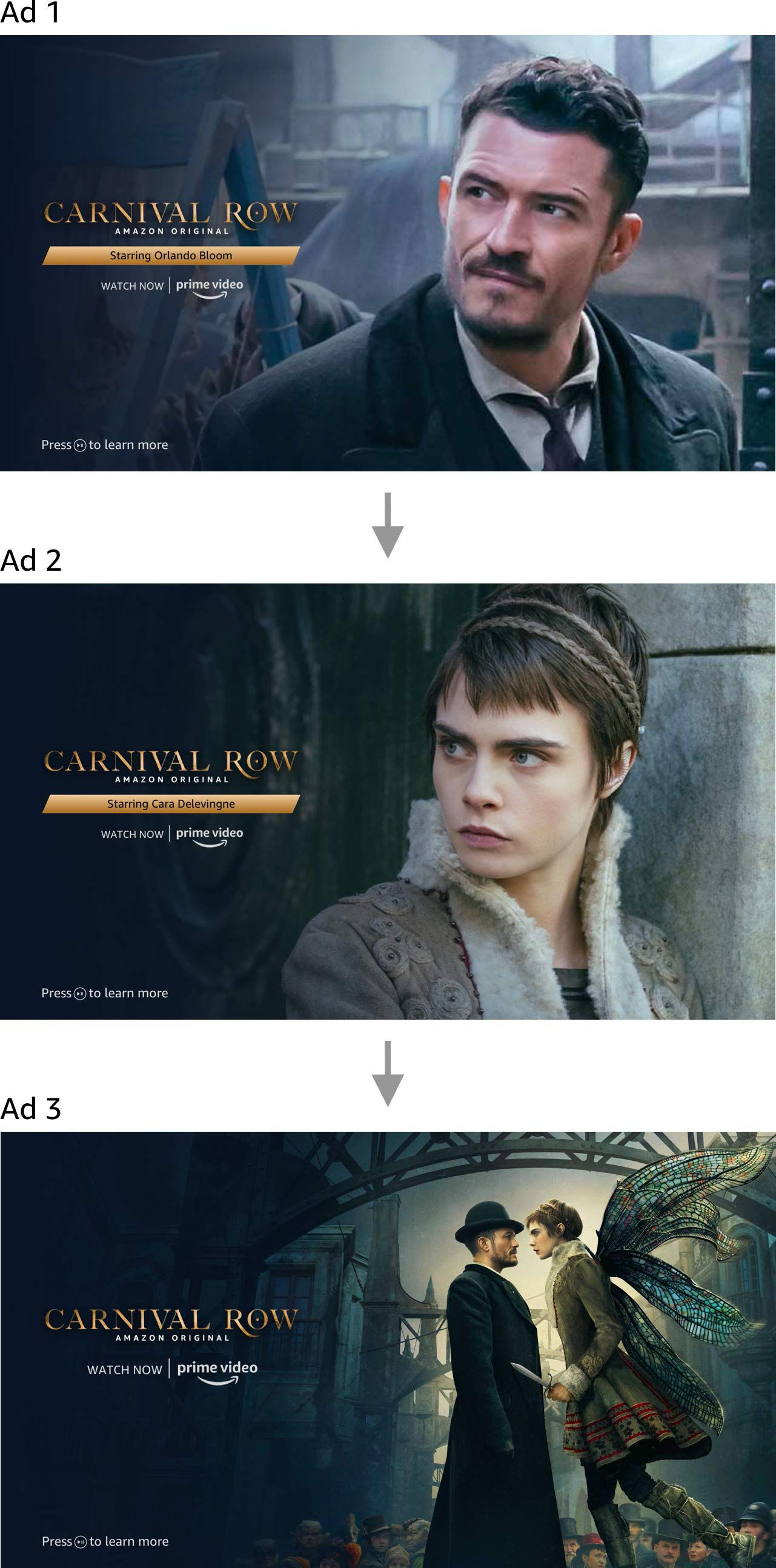
✘ Do not:
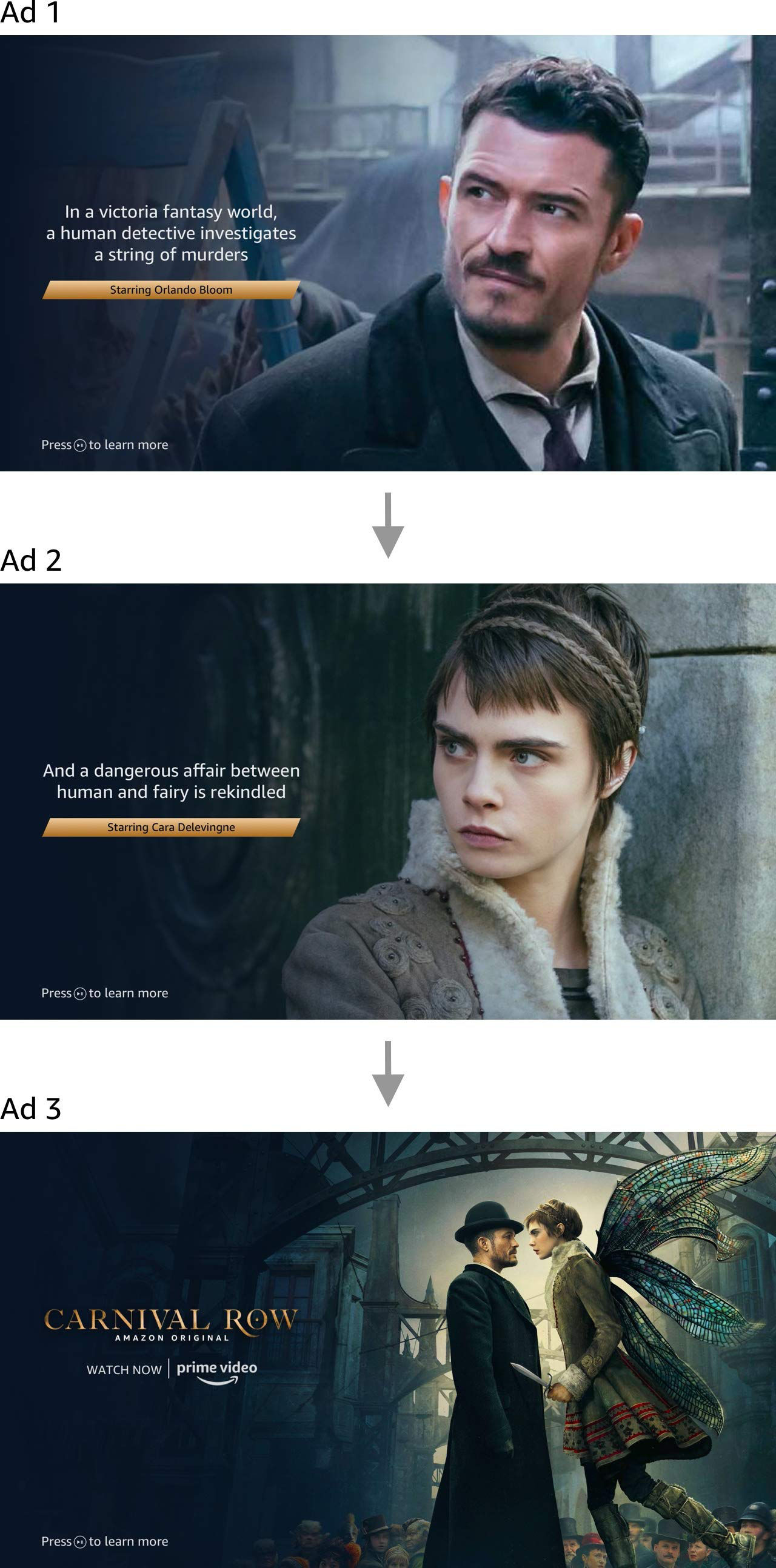
Why? The background image for the 3 creatives must be unique. The screensaver must not repeat the same background image as this can feel like a broken CX when the screensaver transitions from one slide to another.
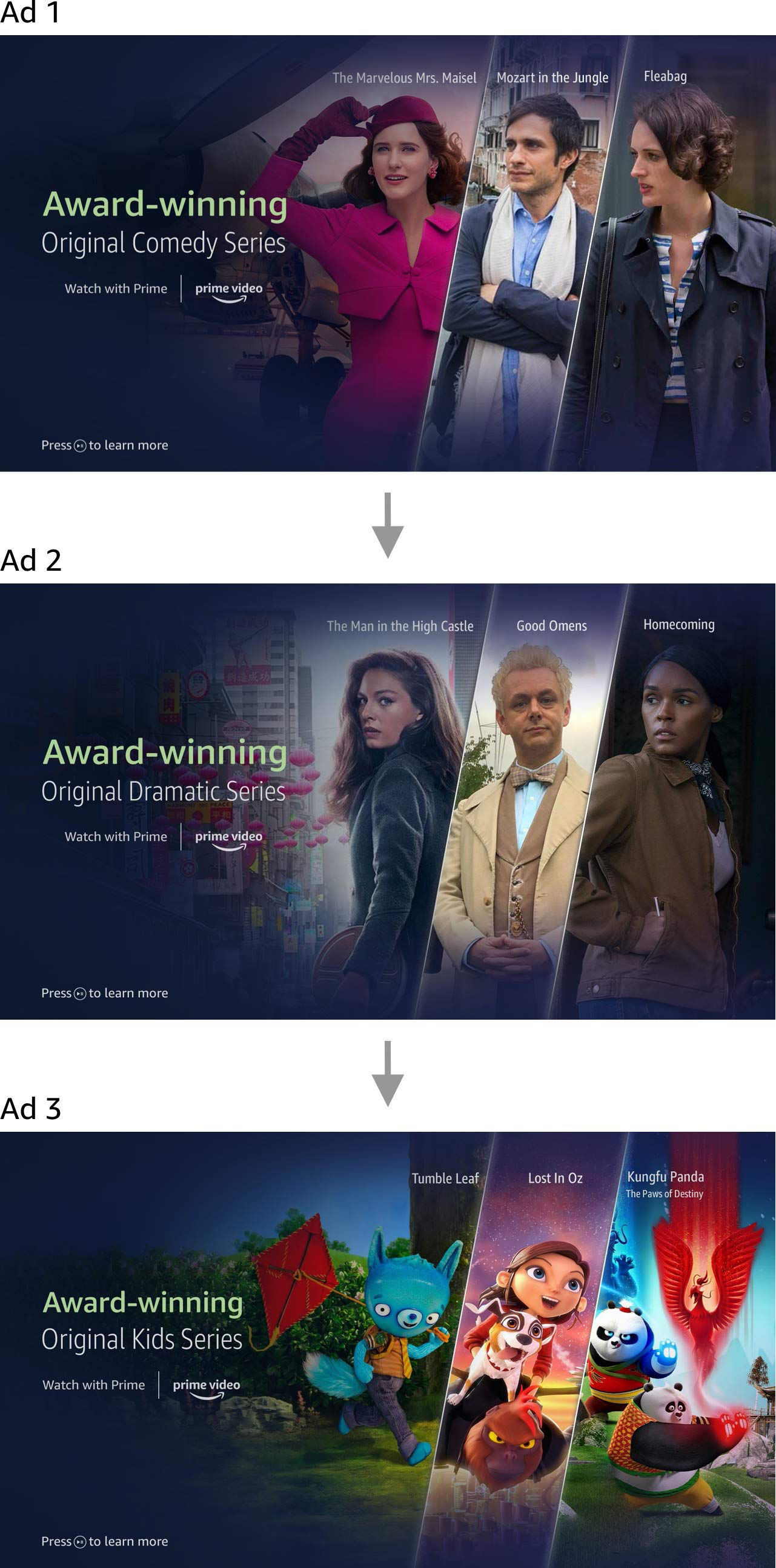
- Creatives must follow standard screensaver specs and guidelines. The logo image in the first two ads must contain a content tile logo, a brand logo, or a content provider logo.
- Each ad must function on its own as a unique screensaver ad and does not require customers to have seen 2 or 3 of the ads in order to understand what’s being promoted.
✔ Do:
Sponsorships (US only)
Sponsorships are available to all advertisers, including non-media & entertainment advertisers.
Screensaver
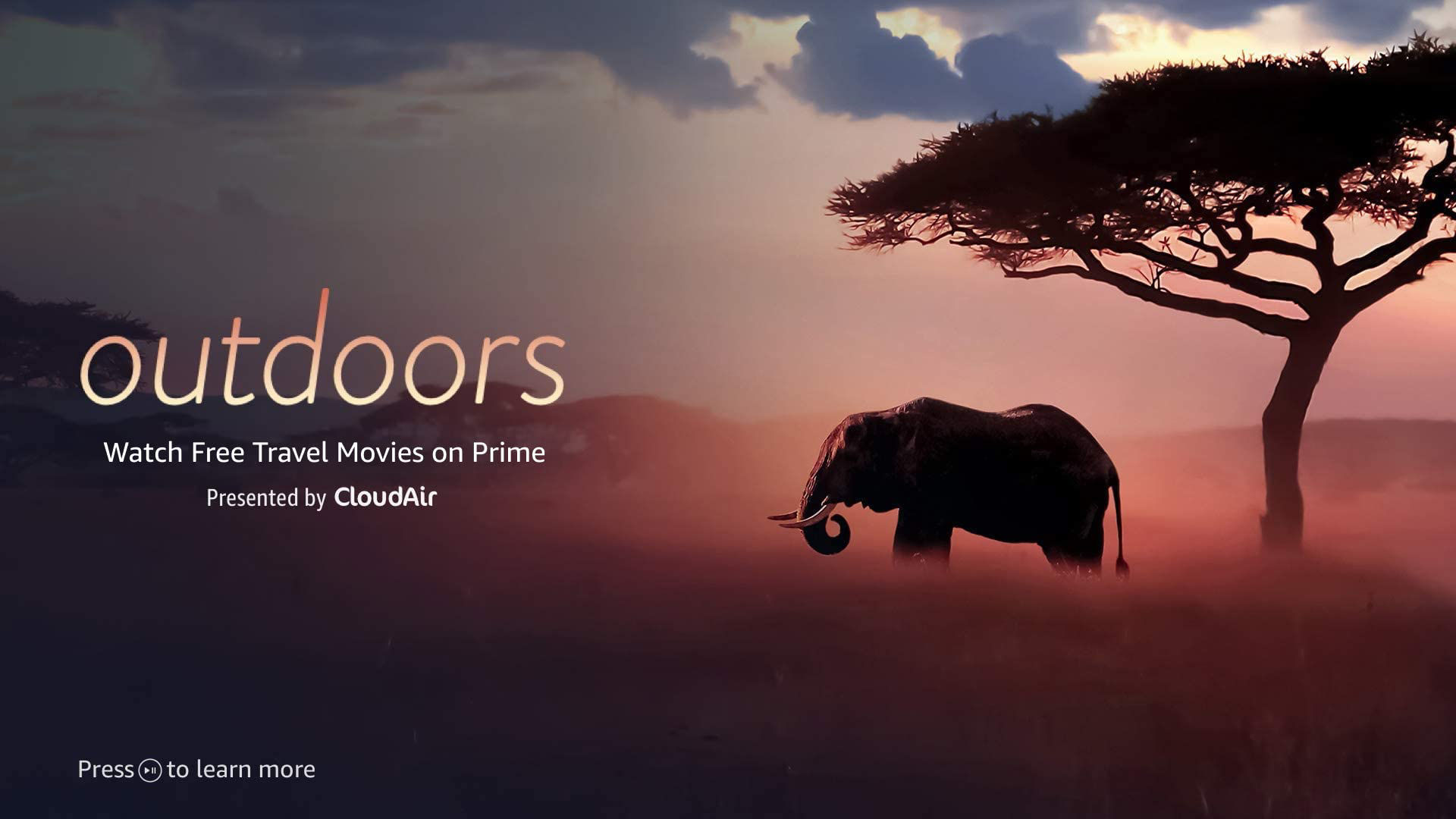
Landing Page
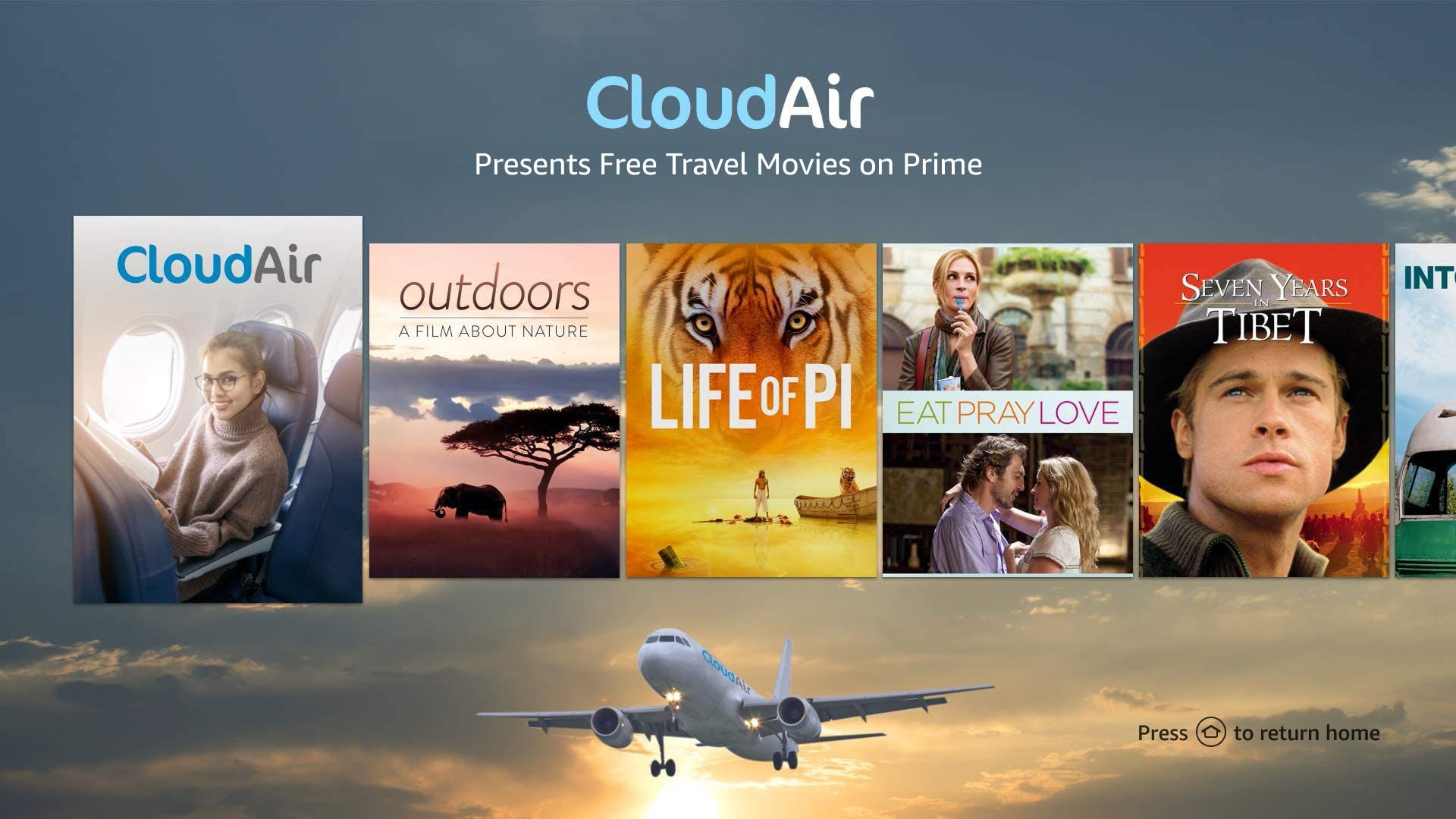
Background image
- Creative must focus on the content being featured in the Sponsorship. (Single/Multi title, generic image that aligns with Sponsorship theme)
- Brand-forward images are permitted only when directly related to sponsorship theme, or if combined with sponsorship theme imagery
- Standard guidelines for rating labels apply.
Logo image
The logo image can include the following 3 pieces:
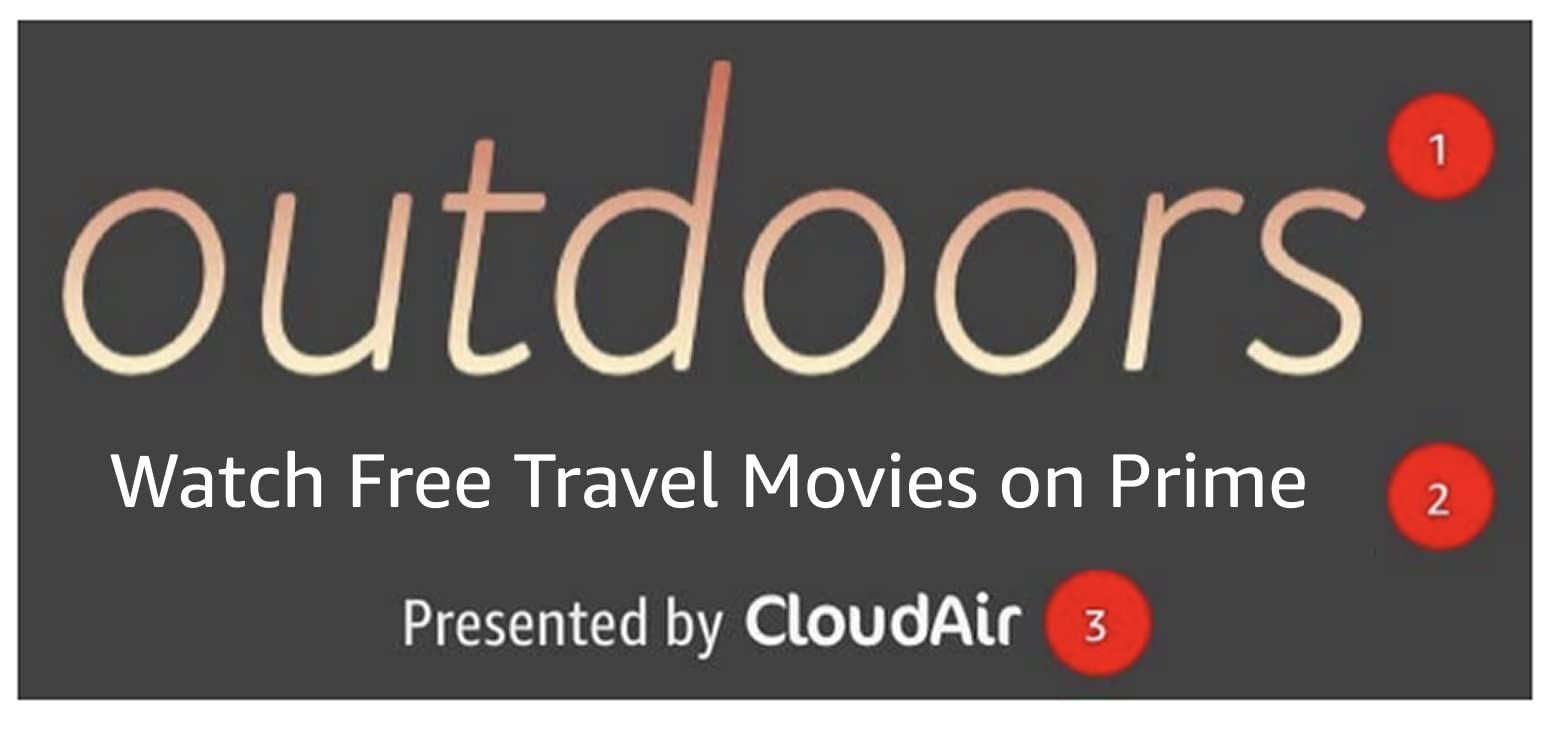
- Content title logo or sponsorship theme headline (E.g “Celebrate Hispanic Heritage Month”)
- Sponsorship details
- Stream It forward messaging
- Sponsorship message and sponsor’s logo(s)
- Sponsorship text can use the following messaging:
- “Presented by" [sponsor(s) logo]"
- “Brought to you by" [sponsor(s) logo]"
- “Curated by" [sponsor(s) logo]"
An example of the logo image for sponsorships is available in the PSD template.
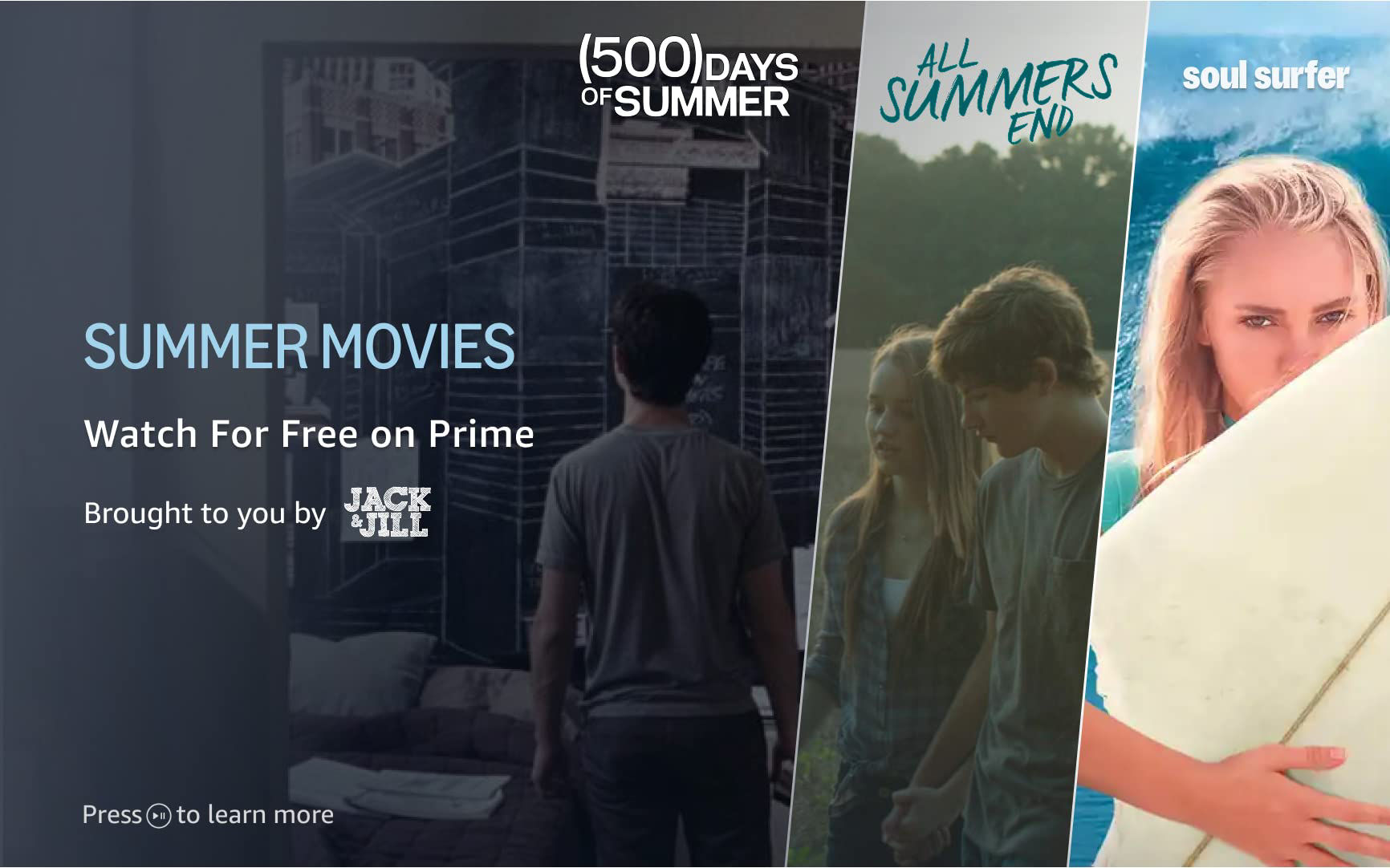
Landing page
Landing pages have fewer restrictions and can include more prominent branding from the sponsor advertiser.
- For landing pages featuring a carousel, the first title may be owned by the sponsor and link to a commercial for their brand, or to a product detail page (for physical products). Videos must follow standard specs and guidelines for Fire TV landing pages.
- An interstitial video from the sponsored brand is NOT permitted for Feature Rotator sponsorships. Customers must click on the carousel tile in order to launch the sponsor’s video.
✔ Approved
Locales
North America
- CA
- MX
- US
South America
- BR
Europe
- BE
- DE
- ES
- FR
- IT
- NL
- PL
- SE
- TR
- UK
Middle East
- EG
- KSA
- UAE
Asia Pacific
- AU
- IN
- JP
- SG
Asset Checklist
- Pre-existing standard ad units for reference
- High-resolution imagery in layered PSD format
- High-resolution imagery in JPG, TIFF, or PNG format (optional)
- Logos in vector format (PSD, AI, EPS, or SVG)
- Campaign copy
- Brand guidelines
- Click through URL (if applicable)
- Content rating (if required)
Supported Destinations
Product detail pages (videos and apps)
Video landing pages
Fire TV landing pages
Prime Video Channels pages
Deep links
Supply source availability varies by locale.