
Sponsored Products are cost-per-click (CPC) ads that promote individual product listings on Amazon and select premium apps and websites. You can create a campaign in just a few minutes, with image or video, even if you’ve never advertised before.
Privacy Statement
Do not enter any sensitive or personal data into the search field (e.g., name, address, financial information).
Get up to $1000 USD* in ad credits when you launch and spend on Sponsored Products
New sellers** can earn up to $1000 in ad credits when they launch and spend on Sponsored Products within 30 days of launching their first campaign. Available in select marketplaces.
*Value of credit offer may differ depending on marketplace.
**Sellers on the Professional selling plan who have listed their first buyable ASIN in the Amazon store in an eligible marketplace within the last 90 days. Terms & conditions apply.


How does Sponsored Products work?
You select products to advertise and choose keywords to target, or let Amazon’s systems target relevant keywords automatically. You control how much you want to spend on bids and budgets and can measure ad performance. Ads appear as an image or, with the new Sponsored Products video, as a long-form interactive video. Ads serve both on desktop and mobile browsers as well as on the Amazon mobile app. When customers click your ad, they go to the advertised product’s detail page.
Why should I use Sponsored Products?
Sponsored Products helps you promote your products, increase sales, and improve product visibility on Amazon and select premium apps and websites. This is a cost-effective and insight-driven solution for both new and established advertisers to plan, launch, and optimize with agility.

Sponsored productS placements
Where do Sponsored Products ads appear?
Ads appear on the Amazon store and beyond, including other Amazon-owned and operated sites as well as third-party destinations, with support for browser and app experiences across devices, desktop, mobile, and tablet.


Benefits
Benefits of Sponsored Products

Drive sales with a few clicks
Sponsored Products takes shoppers directly to the product detail page and can help boost sales of individual products by making it simple for customers to browse or buy in just one or two clicks.

Encourage informed buying decisions
Only appear when your advertised items are in stock and show multiple product features using images and video to help customers make informed browsing and buying decisions

Reach consumers with relevant messaging
Select from flexible keyword and product targeting options and apply recommendations to reach relevant shoppers at the right time.

Optimize with smarter insights
Stay in control of your ad performance—set your budget, choose your bids, pay only for clicks, and refine your campaigns using actionable campaign reporting insights.
Why should I use Sponsored Products video?
Sponsored Products campaigns with video saw +67% higher click-through-rate (CTR)1 and +9% higher conversion rate (CVR)2 compared to campaigns without video.
+67%
HIGHER CLICK-THROUGH-RATE (CTR)
+9%
HIGHER CONVERSION RATE (CVR)
NEWS
Sponsored Products news
WHATS NEW
Show your products in action with Sponsored Products video
Turn browsers into confident shoppers by highlighting relevant product features when it matters most. Sponsored Products campaigns with video saw an average +9% uplift in click-through rate (CTR) compared to campaigns without video.1
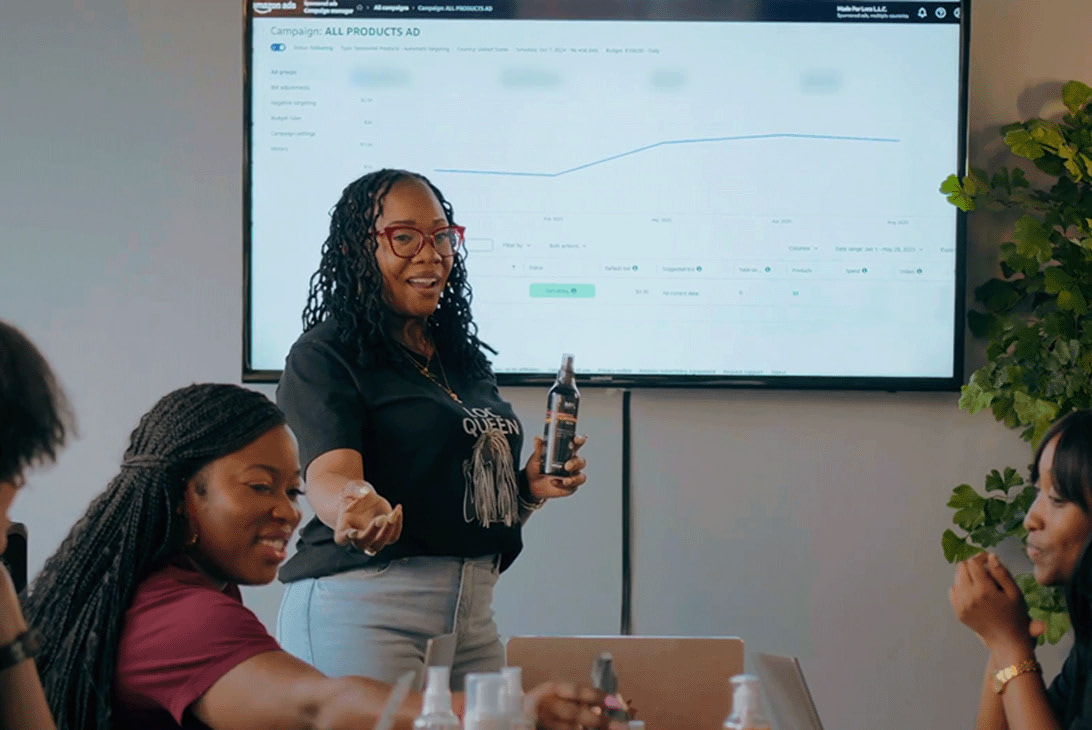

Amazon ads academy
Sponsored Products courses

Resources
Sponsored Products guides

How do I create a Sponsored Products campaign?
2
Sign in to your account, click “Create campaign” and choose Sponsored Products.
3
Add the products that you want to advertise.
4
Define your targeting, keyword, and bidding strategies.
5
Choose your settings: Give your campaign a name, define your start and end dates, and input your daily budget.
6
Launch your campaign.

Frequently asked
questions, answered
Feedback
QUESTION 1 OF
5
Feedback
Thanks for the feedback!
Your feedback helps us continually improve our website experience.
Sources
1-2 Amazon internal data, US, June 2026.