product
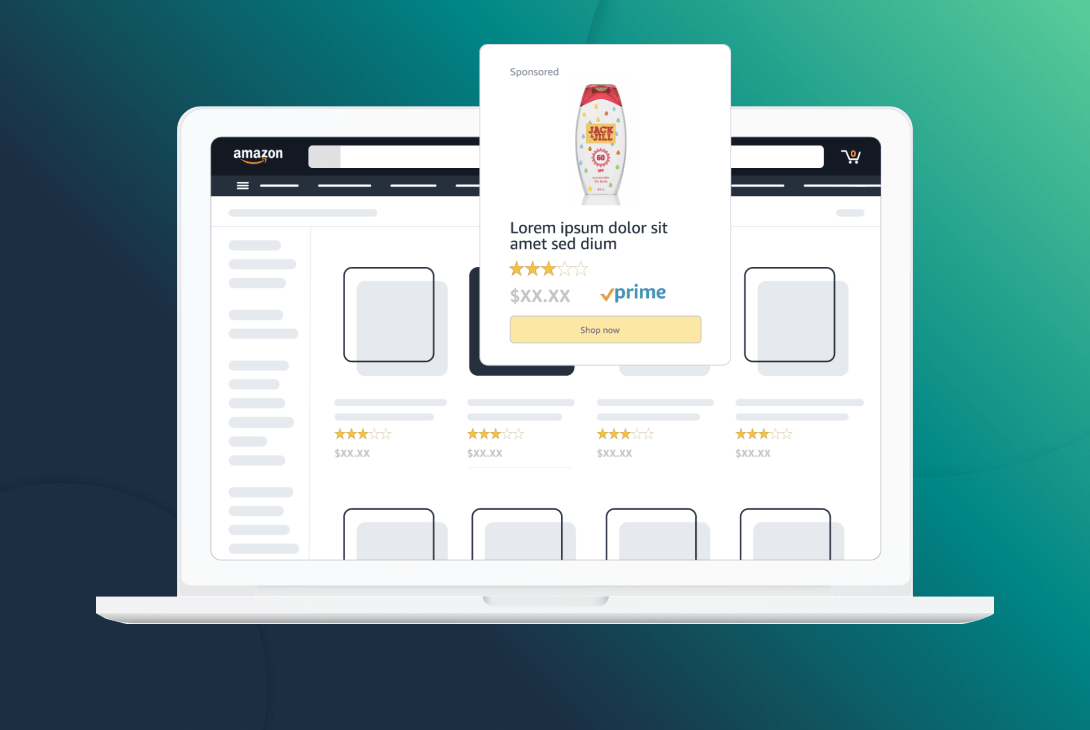
Sponsored Products - Help increase product sales
Launch announcement
October 21, 2024
Amazon and Canva have collaborated to launch the Amazon Ads app on Canva . With the Amazon Ads app on Canva, Amazon advertising workflows have been simplified with creators in mind. Advertisers can benefit from a direct connection to their creative assets library to pull in their advertiser content on demand, and edit using the Canva functionality they know and love. And when their design is complete, advertisers can leverage real-time policy checks and publish directly back to their creative assets library, to get to market sooner, with fewer revisions.
Press play to see the app in action
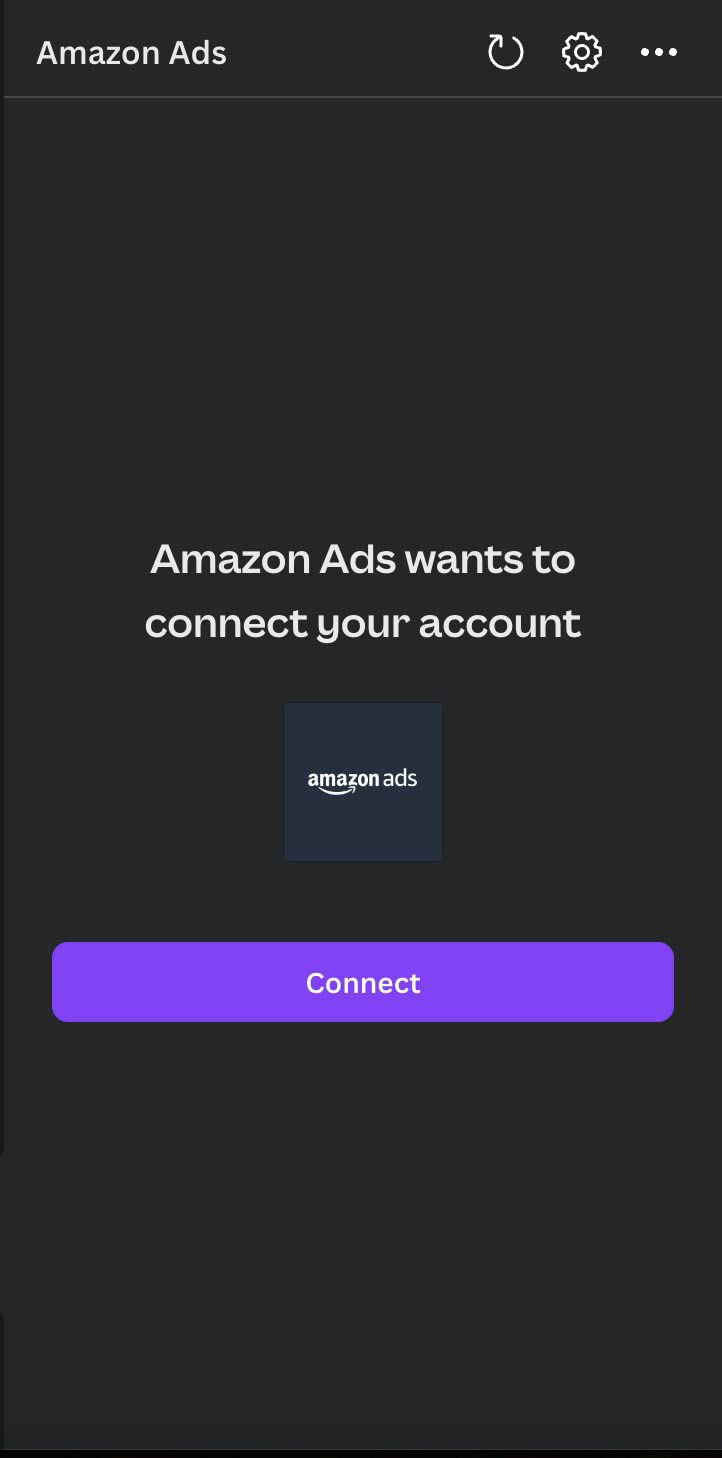
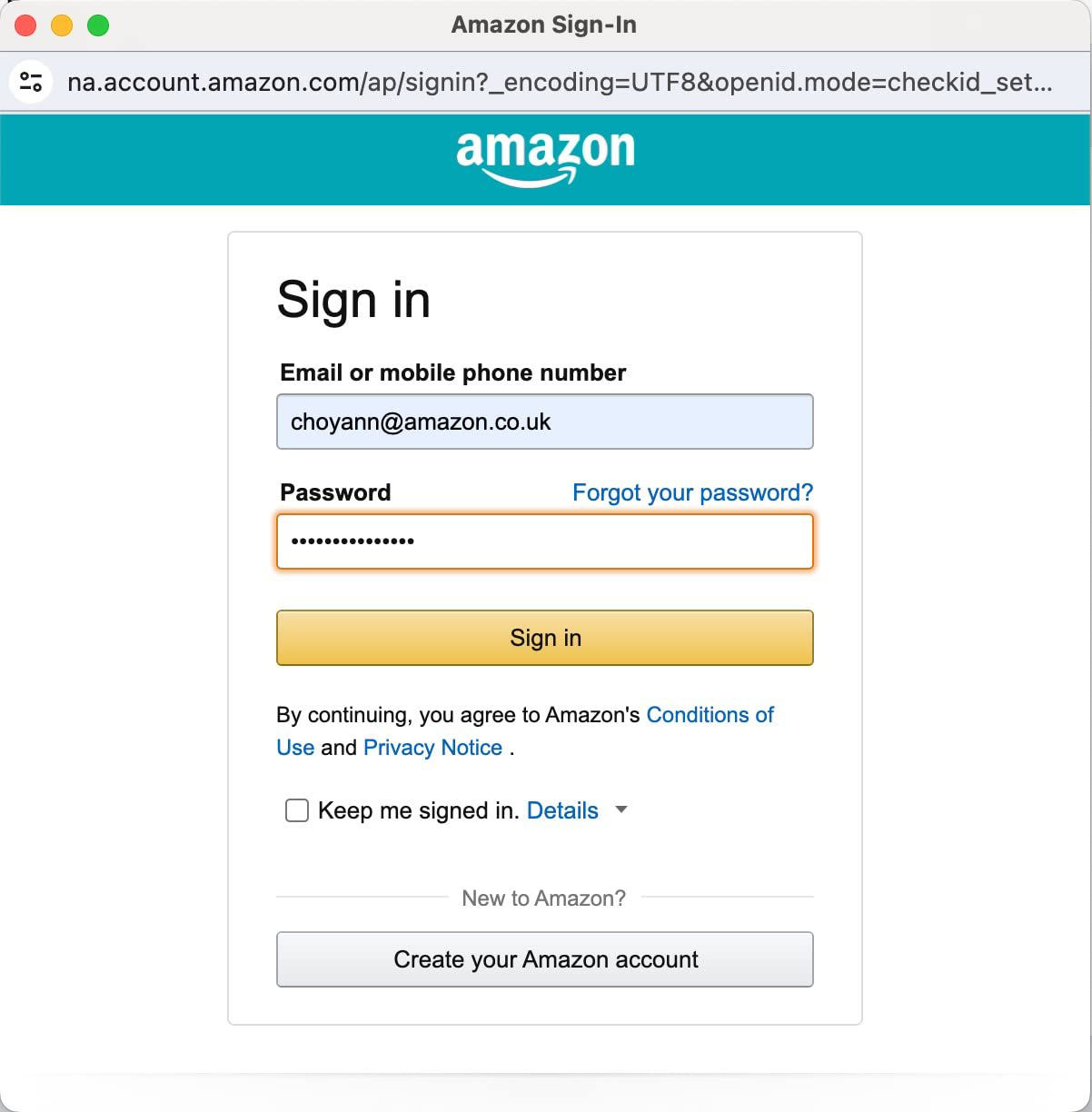
Connect to your Amazon Ads account from Canva. Click the ‘Amazon Ads’ app icon at the bottom of the navigation bar. Then connect your Amazon Ads account. If you do not have any Amazon Ads account, connect a regular Amazon.com account for Guest mode access to real-time policy checks.
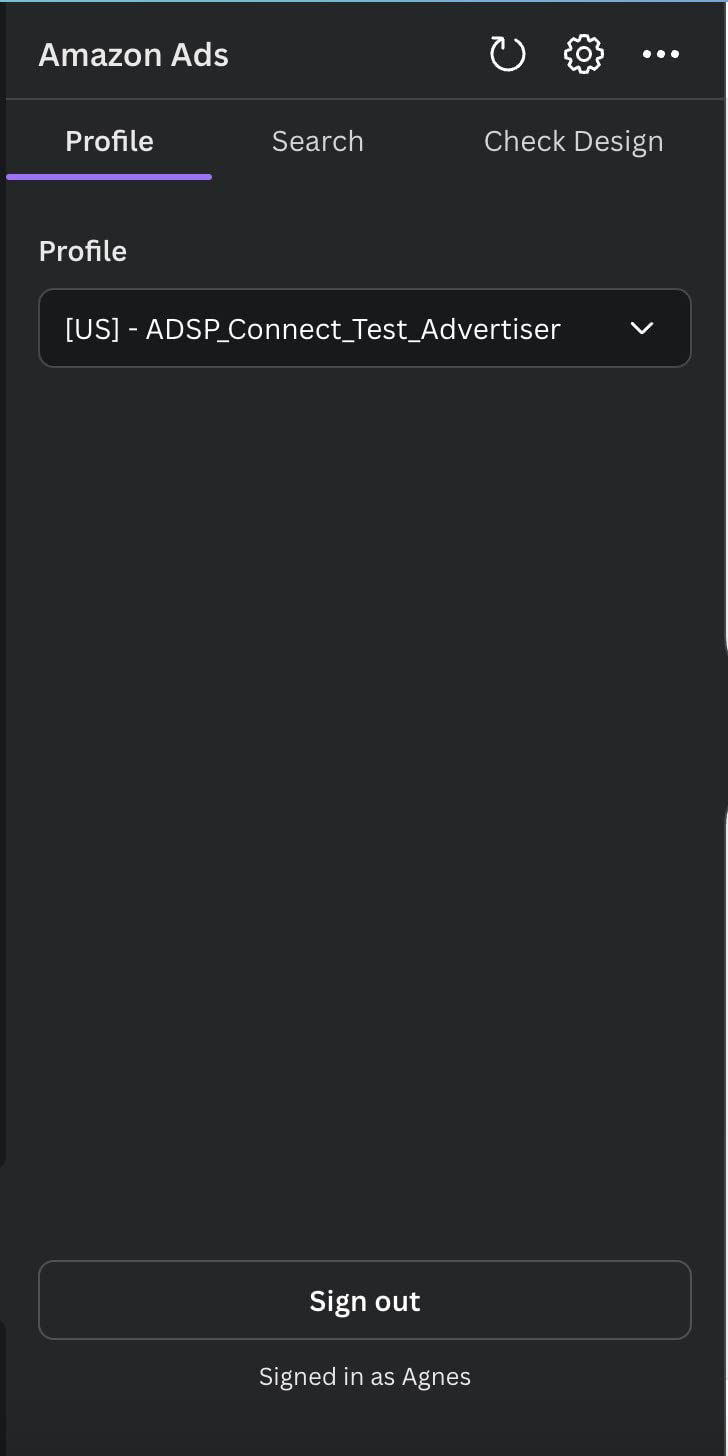
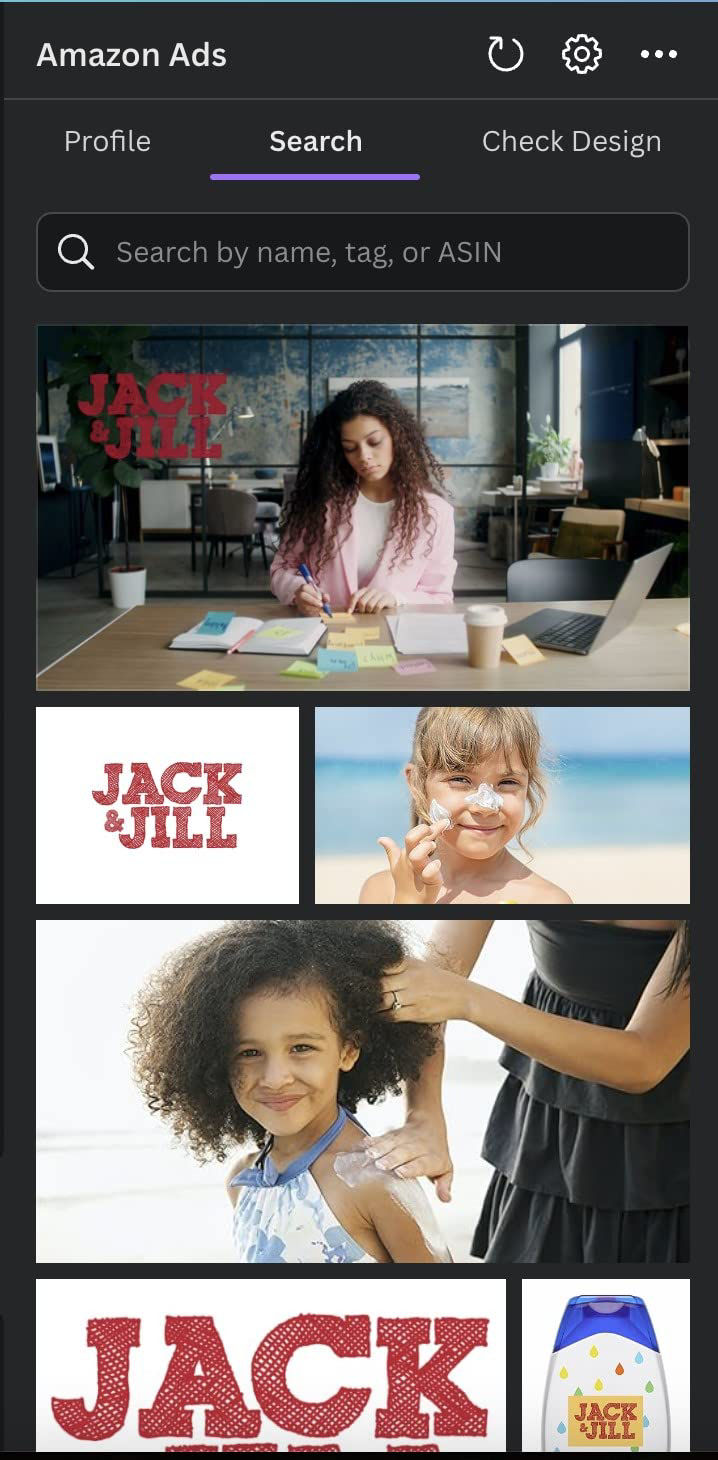
Access your assets on demand. Select the Amazon Ads account for which you want to design. Search for existing advertiser content in the selected advertiser profile by looking up tags, names or ASINs.
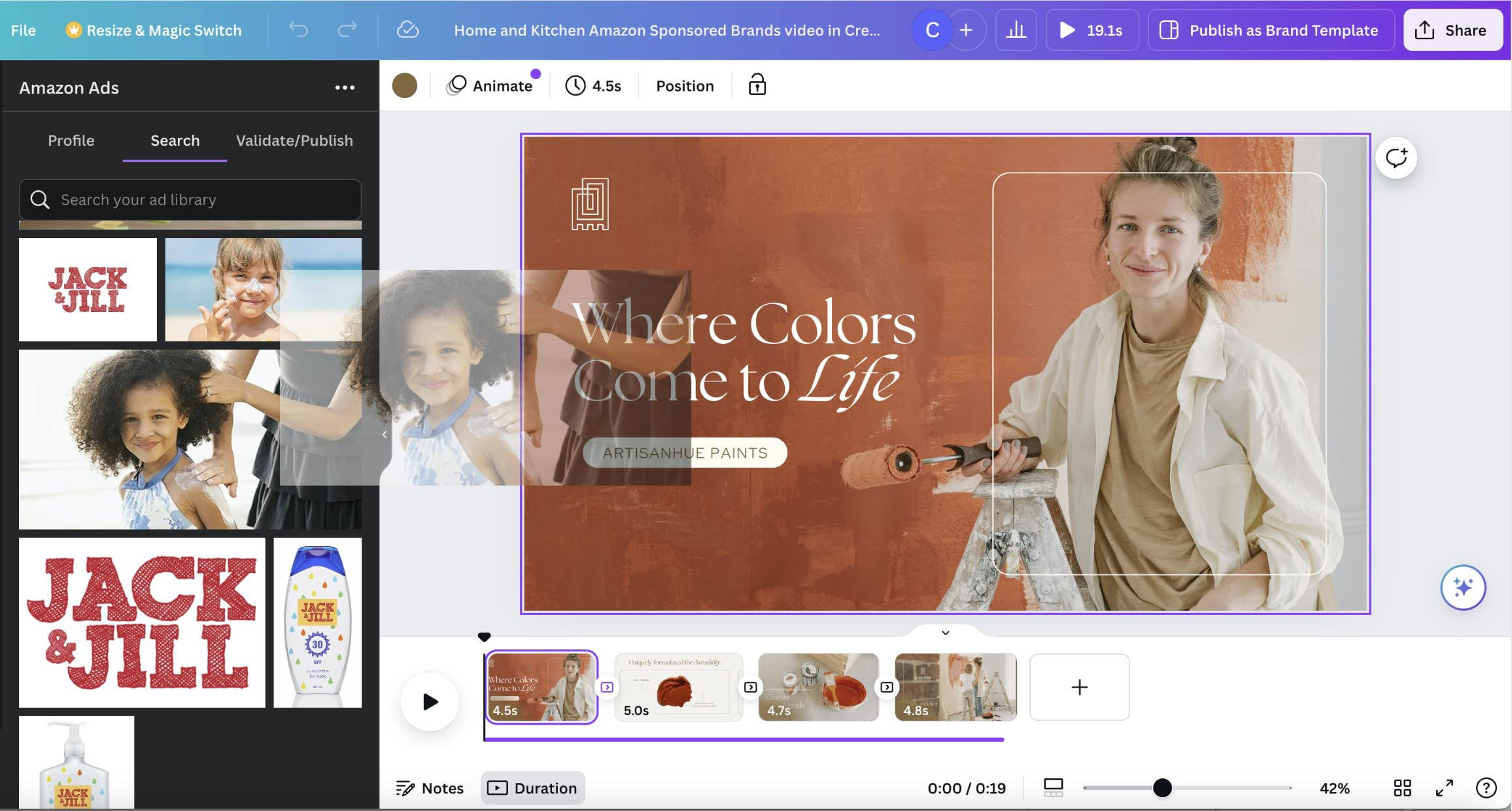
Drag and drop your content using Canva's familiar design tools and helpful templates.
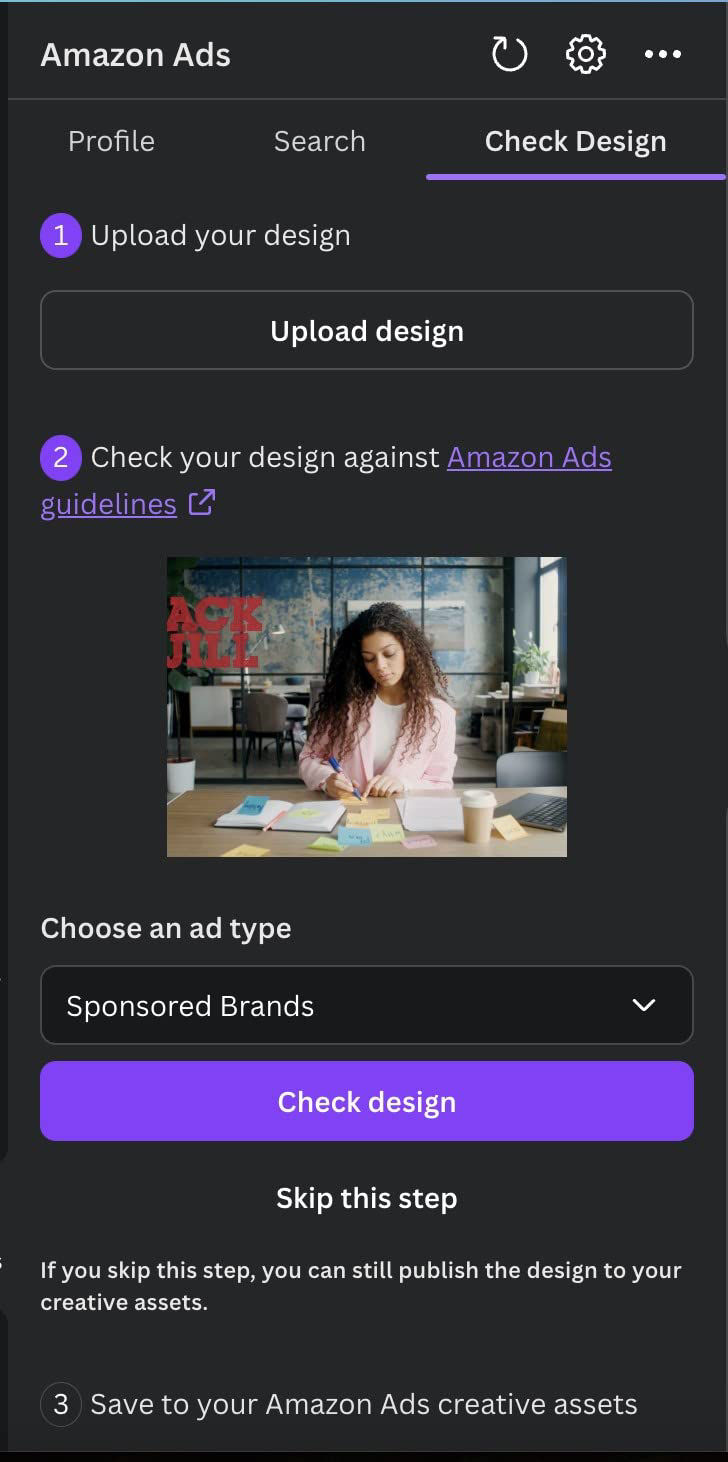
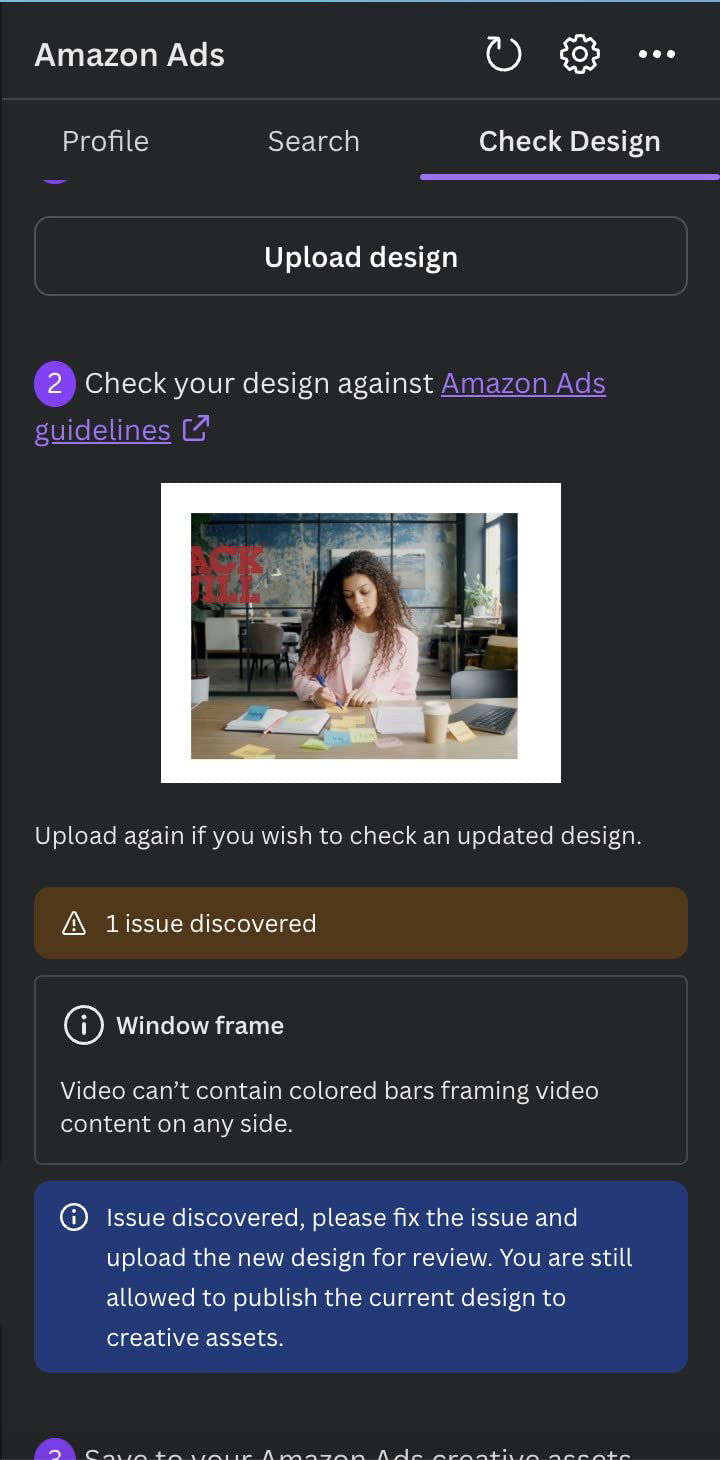
Apply real-time policy checks. Upload your asset and click ‘Check Design’. Fix any policy violations flagged to improve the compliance of your ad.
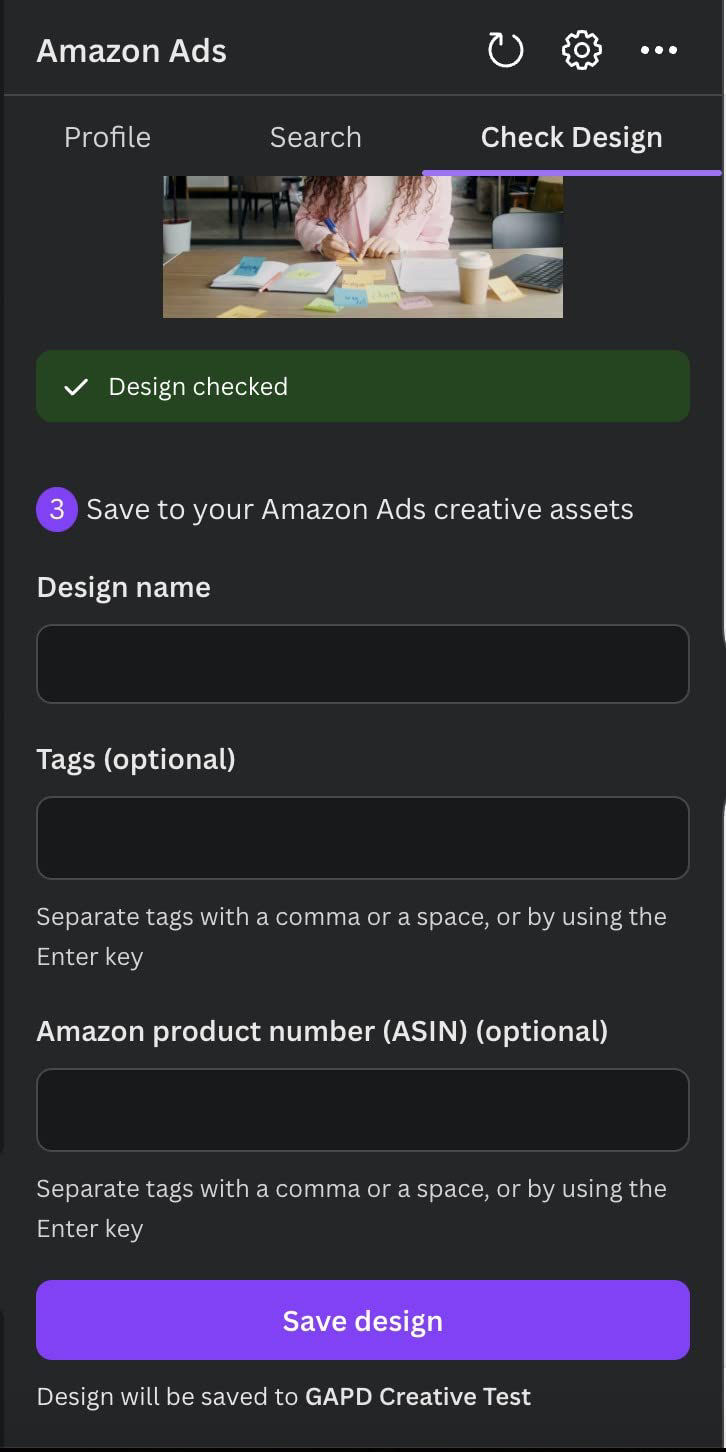
Export and publish your asset back to Amazon.
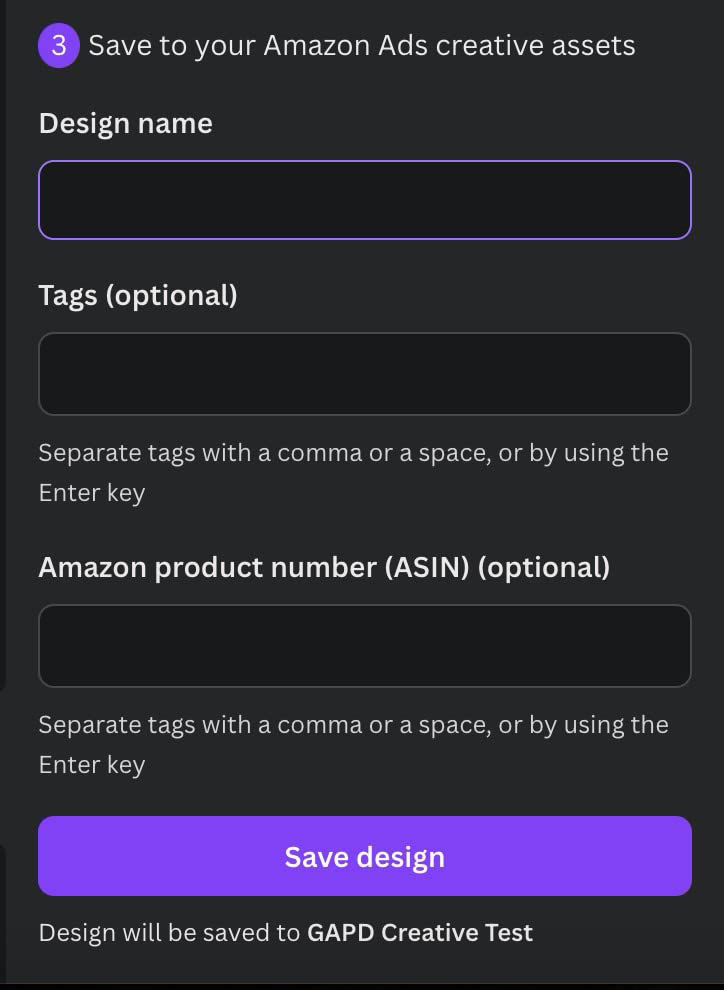
By creating a direct connection between Canva and advertiser’s Amazon creative assets library, we are connecting advertisers from one of their preferred design tools to a central location within Amazon advertising used to store, organize and re-use advertiser content across Sponsored Brands, Sponsored Display, Posts, Stores, and certain Amazon DSP templates. Consequently this means saving time, simplifying the process, and helping creatives to work more efficiently.